Last weekend, a new bridge was constructed across the Tasman Highway near the Cenotaph in Hobart. This construction meant the highway was closed all weekend, making it much harder for Eastern Shore residents to travel into the city (they could, it just took much longer).
Given my enthusiasm for public transport, and given I was attending an event in the city in the afternoon, I thought we should check it out.
I also wanted to make sure that any person ‘investigating’ demand for a ferry service would know that it would be used. I need not have worried on that last point. I got chatting to a few people and apparently, there were hundreds of people lined up to cross into the city by 10 am in the morning. So great was demand that for a part of the day they put on two ferries rather than one!
Look at how happy these people are!
I’m well aware that a sunny, calm Saturday afternoon probably results in greater demand than a cold winter morning. To that I say: ferries (at least this one) have a bar – with coffee in the morning and a beer at night, it beats the bus!
All I know is, Hobart has proven that we’re keen for it.
I personally think Dark Mofo is a great festival that gets sleepy Hobartians out of their beds on cold winter evenings. It (and other arts events) should be encouraged.
But it did make me think more generally about tourism in Tasmania and what is healthy and what isn’t for the state. My hypothesis is this: you can’t optimise a place for tourism, because to do so ruins the reason the tourists come.
I’d like to cite an example. Last year my partner and I went to Vietnam, and we visited a town called Sapa. Sapa was a little mountain resort village surrounded by beautiful mountains, with beautiful hiking trails all around. And then they started building more resorts and other infrastructure for the tourists. And now the only people there work in the tourism industry, and it’s not real any more. I remember looking at the town square and remarking, “it’s like Vietnamese Disneyland.” It wasn’t fun to look at ‘villagers’ who lived in apartments and went out into the village to sell trinkets to passing tourists. It was a complete waste of time going because I didn’t experience a Vietnamese village, which was the reason I went in the first place.
Hobart is a bit more than a mountain village, but it’s also surrounded by beautiful mountains with beautiful hiking trails. It has an identity it has built up over the last few decades as a “clean and green” place, where nature is just left to be. The influx of tourists has caused a lot of angst between people who want to optimise for tourism (such as building resorts on the East Coast of Tasmania, or building a cable car up Kunanyi [Mount Wellington]) and those who want to leave the natural places alone.
The problem with leaving these natural places alone is that the tourists are going to come anyway. You’re damned if you do put in the infrastructure and let the infrastructure ruin nature, and you’re damned if you don’t put in any infrastructure and the nature just gets trampled. In this way, Tasmania’s natural beauty is bound to suffer in the future (unless we put in place limits on the number of visitors). We just get to choose the method in which it happens.
Back in the city (if Hobart can yet be called that), it’s a different story. Tasmania’s economy has suffered in the last couple of decades as our older economies (farming, mining and forestry) have shrivelled up. Only high-end agriculture (have you tasted Tasmanian cheese? YUM) remains as a viable source of income for the state. Then MONA happened, and everything changed.
Almost overnight, MONA changed Hobart. Tourism went from being a small part of our economy to the saviour (willing to bet David Walsh would love being called that) that was going to fix Tasmania’s economic woes. And for almost the last decade, it has done just that. It’s brought in visitors to both the summer and winter festivals, to the museum, and to Tasmania generally. It’s made Tasmanians feel better about being Tasmanian, and it’s made the mainland states stop making fun of Tasmania and start taking notice.
But MONA alone cannot save Tasmania, because MONA is tourism, and if tourism is all you have left, the tourists will leave too. And there in lies the problem for Tasmania: we need to find a new economy, something our state can do well at, and something that is in demand in the world today.
This isn’t a problem for the state government to fix. Besides the fact that the government couldn’t govern it’s way out of paper bag (and the opposition isn’t much better), it’s not something the government has in it’s power to fix. Yes, the government could hand out subsidies to businesses or provide grants or some other thing. But it’s the people of this great state (and I think it is great, despite it’s problems) that have to step up and do this.
But what is something that Tasmania could do well at? Well, we’re too far away from literally everywhere else to ship anything, so volume manufacturing is out. No point making trinkets here. We could (and indeed do) manufacture high-end goods, such as furniture and clothing for rich pricks the discerning customer. But half the time these high-end goods only get sold to passing tourists. I believe the reason for this is that a sole operator in a shed just can’t sustain marketing their product to the world. The only place where we have managed to do this is whiskey. If a viable large-scale high-end manufacturing business could be built in Tasmania today, it would propel Tasmania into the future.
Tasmania is well placed to do technology, because Hobart’s lifestyle currently offers a great deal to well educated tech people. Commutes are short (relative to Melbourne or Sydney), and our network infrastructure is the best in Australia. The cost of living is cheap, so starting a startup requires less investment here than elsewhere. And we’ve had a few successes. Procreate, Biteable and Popup WiFi are going great guns. But there’s a limit to the success we can have unless we can deal with two huge factors conspiring against us.
The first of these is education. Our public school system sucks, and our university is a joke (why UTAS sucks as hard as it does is an entire article in itself). We have some of the lowest literacy and numeracy rates in the country. What does the technology industry need? Knowledge workers who know how to read, write, and add things up. Education is the future of Tasmania.
Secondly, whilst the cost of living is currently low, and the lifestyle is currently good, that’s changing rapidly. Housing prices are sky-rocketing and availability is plummeting, making Hobart a much harder place to move to unless you’re very rich. Our commutes are getting longer as we build houses (slowly) further and further from the CBD, meaning we’re spending longer stuck in traffic every day.
We’re scared to build high-rise buildings in and near the CBD because it might ruin what makes Hobart special, and might scare the tourists away. I’d argue that not building the high-rise buildings is even worse, because if Hobart becomes a sucky place to live for the locals (and sitting in traffic makes you miserable) then the locals will go away, and the tourists won’t be far behind them.
There are other ways to make Hobart better for the locals. Public transport infrastructure is a big one, as is Health infrastructure (more hospitals, basically). At this point, you could throw money at basically any non-tourism infrastructure project in the state and it would be a complete success (they’ll invest it in roads, you heard it here first).
If you want to make Tasmania great again (urghh, I feel sick even saying it), then tourism isn’t the answer. It can’t be. We need to invest in our local population, and we need to invest in the infrastructure that makes our local population smarter, healthier, and happier. Economic prosperity will follow.
Recently I had cause to visit the United States for a friend’s wedding, which was being held in San Francisco. Since the USA is so far from Australia, my partner and I figured we may as well do a bit extra in case we’re not back for a while.
In the end, we settled on starting in San Francisco, visiting Yosemite National Park, catching the California Zephyr (a train) to Chicago, the Lake Shore Limited (another train) to New York, and then fly home from there. Anybody familiar with my love of trains will know that this trip made me very happy!
While I won’t speak much about the wedding publicly, I will just say this: it’s one of the most amazing weddings I’ve been to. I was also asked to give a bit of speech at the reception, and I may have got a bit soppy. Oops.
Exploring San Francisco was cool, but the city has some incredible social inequality issues that it really needs to work through. We saw so many homeless people, as a proportion of their population it must be an incredible percentage. We did see a few of the sights, notably the Golden Gate Bridge, as well as doing a trip to Yosemite National Park.
Yosemite was quite possibly the most beautiful place I’ve ever been, outside Tasmania. It was pouring down with rain half the day, and there were a few thunderstorms as well, but that just made it even more incredible. Despite all the people, there were plenty of animals, so we got a few bird pictures and I saw a SQUIRREL!
The next part of our trip was the trains from San Francisco to New York, right across the full breadth of the USA.
We saw so much of America, from mountains to canyons to plains to farms to suburbs, and met a heap of people along the way. I would totally recommend the California Zephyr from San Francisco to Chicago to literally anybody and everybody. Worth every cent.
We spent six hours in Chicago waiting to change trains, and in that time we managed to have some amazing deep pan pizza. It’s entirely different to normal pizza, and it’s fantastic. Can’t wait to cook it myself at home. Chicago was a really cool city, we both wish we’d spent more time there, maybe a day or two. When doing research for the trip we couldn’t think of anything touristy to do there, but while there we were just struck by how nice the city is and how nice living there would be. Even the suburbs the train went through looked pretty nice.
The train was reasonably comfortable, but the cabin was very small, all of our luggage caused issues trying to keep track of everything and still have room to sit down. The meals were excellent, especially considering it was a) on a train and b) in the USA. The two-deck cars used west of Chicago were nicer than the single-level cars used further east.
I have literally a thousand photos from these few days, but here is a quick selection:
Finally, we spent a couple of days in New York City. We both loved our time there, it really is unlike anywhere else I’ve ever been. It’s intense, with so many people packed into such a small space, but at the same time there was a good amount of culture packed in as well.
We stayed in a lovely AirBNB in Brooklyn, in an area called Prospect Park. Whilst the place we stayed was nice, what really struck us was the neighbourhood around it. Easily walkable, with excellent public transport, a variety of different socio-economic groups living there, all things that most Hobart suburbs… lack.
Manhattan, of course, was amazing. We went to Central Park (big and green, and I saw ANOTHER SQUIRREL), Times Square (busy and horribly touristy), the 9/11 Memorial (incredibly moving), the Statue of Liberty, and so much more I can’t even think of it all. We packed a lot into the couple of days we were there.
We also ate a lot of excellent food – pizza, bagels, cheeseburgers, cheesecake, as well as a curry (of course).
Overall, we both loved our trip to the USA. I would totally visit again, however I’m not looking forward to the flights – the fifteen hours from LAX to MEL is a killer, even on a Boeing 787 (which, by the way, is a very lovely aircraft).
If you’d like to see the full album of photos, send me an email and I’ll share them with you!
I’m about to head off an overseas trip for two weeks in Vietnam (travelling via train from Ho Chi Minh to Hanoi), and like a true millenial traveller I thought it might be interesting to show everybody what I’ve packed for the occasion.
The plan is to live out of my backpack for two weeks, which, based on previous conference travelling, is a very achievable goal. My partner is also taking a backpack (albeit one slightly larger than mine).
You’ll note that this trip is unusual in that my partner is ‘encouraging’ me not to take a laptop (presumably because it’s so unusual that I travel without a laptop). That’s not much of an issue these days as smart phones can do almost anything a laptop can do these days, just with a much smaller keyboard. This lightens the backpack considerably.
The other change from my usual conference packing list is that, due to Vietnam being a tropical country and our trip being during the wet season, I’m taking a lot of medical gear I wouldn’t bother with otherwise (mosquito repellant, antibiotics, gastro tablets, bandages, and so on).
Without any further ado, here we are:
Clothing
5x T-Shirts (light colours)
5x Underwear
5x Socks
1x Shorts
1x Jeans (mostly for airports and trains)
1x Raincoat
1x Swimwear
1x Pyjama Shorts
You’ll note that five changes of clothes is nowhere near enough for a two week holiday, so we’re planning on doing laundry two or three times while we’re away. From my experience in the Philippines in 2013, laundry facilities are everywhere in South East Asia, and it’s even ridiculously cheap to pay somebody else to do it, so it makes a lot more sense than packing a suitcase to last you the entire trip (and then dragging that around with you for two weeks).
Medical / Toiletries
Travel Medical Kit (bandages, etc)
Travel Towel
Hand Sanitiser
Toothpaste
Toothbrush
Mosquito Repellent
Sunscreen
Tablets
Other Items
Wallet
Phone
Passport
Keyring
Umbrella
Teabags (very important!)
USB Power Brick
USB Cable
Earphones
Luggage Tag
Luggage Locks
Sunglasses
Pens
Notepad
Staples (for changing SIM cards)
Foreign Currency
Travel Documents
And when it’s packed, it all looks like this:
I’m planning on doing a review of this bag (the Thule Crossover 32L) as it’s an awesome bag, both for commuting and (hopefully) for travel. I’ll probably write that once I’m back and have fully trialled it in every scenario.
Recently I had cause to retrieve a list of customer emails (which due to guest checkout functionality is not the same as a list of user emails) from a WooCommerce installation. A quick search suggested that the easiest way was to install a plugin to do the job. I hate installing plugins on WordPress unless absolutely necessary (as half of them, including this one, are very badly maintained and thus either a security risk, a performance risk, or both).
Instead, the SQL query to retrieve this information, as well as a count of how many orders each customer has made, took only a few minutes to prepare and run:
tl;dr: I’ve recently moved to the San Francisco Bay Area, received my US Work Authorization, so now I’m looking for somewhere to work. I have a résumé and an e-mail address!
I’ve worked a lot in Free and Open Source Software communities over the last five years, both in Australia and overseas. While much of my focus has been on the Python community, I’ve also worked more broadly in the Open Source world. I’ve been doing this community work entirely as a volunteer, most of the time working in full-time software engineering jobs which haven’t related to my work in the Open Source world.
It’s pretty clear that I want to move into a job where I can use the skills I’ve been volunteering for the last few years, and put them to good use both for my company, and for the communities I serve.
What I’m interested in doing fits best into a developer advocacy or community management sort of role. Working full-time on helping people in tech be better at what they do would be just wonderful. That said, my background is in code, and working in software engineering with a like-minded company would also be pretty exciting (better still if I get to write a lot of Python).
Something with a strong developer relations element. I enjoy working with other developers, and I love having the opportunity to get them excited about things that I’m excited about. As a conference organiser, I’m very aware of the line between terrible marketing shilling, and genuine advocacy by and for developers: I want to help whoever I work for end up on the right side of that line.
Either in San Francisco, North of San Francisco, or Remote-Friendly. I live in Petaluma, a lovely town about 50 minutes north of San Francisco, with my wonderful partner, Josh. We’re pretty happy up here, but I’m happy to regularly commute as far as San Francisco. I’ll consider opportunities in other cities, but they’d need to primarily be remote.
Relevant to Open Source. The Open Source world is where my experience is, it’s where I know people, and it’s the world where I can be most credible. This doesn’t mean I need to be working on open source itself, but I’d love to be able to show up at OSCON or linux.conf.au and be excited to have my company’s name on my badge.
Why would I be good at this? I’ve been working on building and interacting with communities of developers, especially in the Free and Open Source Software world, for the last five years.
You can find a complete list of what I’ve done in my résumé, but here’s a selection of what I think’s notable:
Co-organised two editions of PyCon Australia, and led the linux.conf.au 2017 team. I’ve led PyCon AU, from inception, to bidding, to the successful execution for two years in a row. As the public face of PyCon AU, I made sure that the conference had the right people interested in speaking, and that we had many from Australian Python community interested in attending. I took what I learned at PyCon AU and applied it to run linux.conf.au 2017, where our CFP attracted its largest ever response (beating the previous record by more than 30%).
Developed Registrasion, an open source conference ticket system. I designed and developed a ticket sales system that allowed for automation of the most significant time sinks that linux.conf.au and PyCon Australia registration staff had experienced in previous years. Registrasion was Open Sourced, and several other conferences are considering adopting it.
Given talks at countless open source and developer events, both in Australia, and overseas. I’ve presented at OSCON, PyCons in five countries, and myriad other conferences. I’ve presented on a whole lot of technical topics, and I’ve recently started talking more about the community-level projects I’ve been involved with.
Designed, ran, and grew PyCon Australia’s outreach and inclusion programmes. Each year, PyCon Australia has offered upwards of $10,000 (around 10% of conference budget) in grants to people who otherwise wouldn’t be able to attend the conference: this is not just speakers, but people whose presence would improve the conference just by being there. I’ve led a team to assess applications for these grants, and lead our outreach efforts to make sure we find the right people to receive these grants.
Served as a council member for Linux Australia. Linux Australia is the peak body for Open Source communities in Australia, as well as underwriting the region’s more popular Open Source and Developer conferences. In particular, I led a project to design governance policies to help make sure the conferences we underwrite are properly budgeted and planned.
Last week, a rather heavy document envelope showed up in the mail.
Inside I found a heavy buff-coloured envelope, along with my passport — now containing a sticker featuring an impressive collection of words, numbers, and imagery of landmarks from the United States of America. I’m reliably informed that sticker is the valid US visa that I’ve spent the last few months applying for.
Having that visa issued has unblocked a fairly important step in my path to moving in with Josh (as well as eventually getting married, but that’s another story). I’m very very excited about making the move, though very sad to be leaving the city I’ve grown up in and come to love, for the time being.
Unrelatedly, I happened to have a trip planned to Montréal to attend ConFoo in March. Since I’ll already be in the area, I’m using that trip as my opportunity to move.
My last day in Hobart will be Thursday 2 March. Following that, I’ll be spending a day in Abu Dhabi (yes, there is a good reason for this), followed by a week in Montréal for ConFoo.
After that, I’ll be moving in with Josh in Petaluma, California on Saturday 11 March.
But until then, I definitely want to enjoy what remaining time I have in Hobart, and catch up with many many people.
Over the next two weeks I’ll be:
Attending, and presenting a talk at WD42 — my talk will be one of my pieces for ConFoo, and is entirely new material. Get along!
Having a farewell do, *probably* on Tuesday 28 February (but that’s not confirmed yet). I’ll post details about where and when that’ll be in the near future (once I’ve made plans)
Madly packing and making sure that that I use up as close to 100% of my luggage allowance as possible
If you want to find some time to catch up over the next couple of weeks, before I disappear for quite some time, do let me know.
2016 was, undeniably, a length of time containing 366 days and a leap second.
For me, there were a bunch of highlights that it would be amiss to let pass without recording on this blog, so here goes:
At linux.conf.au 2016 in Geelong in February, I announced linux.conf.au 2017 in Hobart. Over the last year, the conference team and I ran a wildly successful CFP, found 4 amazing keynotes, and lined up what looks like it should be an excellent conference. The only* thing left to do is actually run the thing.
At PyCon in Montréal in 2014, I ran a BoF session for regional PyCon organisers. Two people from the Dominican Republic showed up and asked for our help in starting a PyCon in the Caribbean. In February 2016, I got to go to that conference, and it was incredible!
On that note, I got to continue building on a deeply wonderful relationship with the amazing Josh Simmons that we started in 2015. Over the course of 2016, we got to spend time with each other on no fewer than 6 occasions, both in North America, and here in Australia. We met (and got along quite well with) each others’ friends and families. We spent time living together, and have made big steps towards living together permanently this year. Frankly, I could do a whole post on this and I’m not sure why I haven’t.
On a slightly related note, I spent 92,000-odd miles in the air this year. Much of that was spent ducking over to the US to spend time with Josh; some of the rest was with Josh, and some of it was alone. I got to see some wonderful places I’ve never seen before, like the Grand Canyon and Hoover Dam, an actual northern hemisphere winter with snow and everything, and driving up the Californian coast from Los Angeles.
… and one night in May, on the Steel Bridge in Portland, Josh and I decided that we should get married.
So those are some of the highlights of my year. It’s been entirely not bad, in the grand scheme of things. Hooray!
It’s been a very long time since I’ve read a fiction book. It’s not that I don’t read; I spend the majority of my evenings poring over non-fiction of some kind or another (business, history and engineering being my favourite subjects). I just never really saw the point of fiction.
That was, until I read Why Every Man Should Read Jane Austen, by one of my favourite bloggers, Brett McKay of The Art of Manliness. The Art of Manliness is one of my favourite blogs on the Internet (and you should definitely subscribe if you enjoy long-form blogging about philosophy and practical skills, regardless of gender). As such, I was intrigued.
Particularly fascinating to me was the discussion of ‘theory of mind’, the ability for us to understand each other and attribute emotions to other people. Honestly, it’s something I’ve never been particularly good at. Other people’s emotions are guesswork to most people most of the time, and to me (and combined with a healthy dose of impostor syndrome in my work) it is mostly cause for panic.
Initially I read the article and then almost dismissed it; I put it at the bottom of a very long to-do list (which will never be complete, my grandchildren will be splitting it up between them when I die). But it kept coming back to me, gnawing at me almost. I don’t read much fiction. I could be better at understanding others. My writing skills have deteriorated.
A week ago I couldn’t bear it any more and downloaded the book on Google Play (substitute Kindle, Project Gutenberg or a physical book store as you like). I thought it might be nice to read a couple of chapters each night to wind down before sleep. Oh how wrong I was. I was hooked.
Three days later, I’d read the entire book (including staying up to 3am two nights in a row), as well as watched the entire BBC mini-series of 6 hours (which I did in one sitting).
This book is incredible.
There’s intrigue, there’s romance, there’s comedy, there’s so much metaphorical bitch-slapping you wouldn’t believe.
Due to the age of the book (it’s written and set in Regency England) the language can be hard to read at times, especially the dialogue. People spoke to each other much differently then, and it took reading passages three or four times before I could sometimes understand them. There were also some passages I didn’t understand the significance of, because I couldn’t read the sarcasm or other inflections properly – it took watching the mini-series to sort that out.
But the difference in language is also one of the strongest points. It gives you an insight into how formal the language was then, and how formally they treated others as a general rule. To not be polite to somebody then was the worst thing that could possibly happen. And the ramifications would be severe: Mrs. Bennett’s loud-mouthedness almost cost her the potential marriages of two of her daughters.
There are other insights too. To do something dishonourable (such as live with a somebody out of wedlock, a big deal for fair reasons back then – there was no contraception) had an impact not only on other’s opinions of you, but also on your family and your friends, and for a very long time. This is something still true today, but it’s far less obvious and the reminder of it’s presence is welcome (even if the presence itself is not).
I also now understand a lot more pop culture references. So many TV shows make references to Pride and Prejudice. I always used to giggle when I saw a reference to some classic that I had read, and now I see them far more often. Even Top Gear made them. Almost for this reason alone I’ve committed to reading more fiction in the future. It makes everything more fun.
Here is a random list of advice for one of my friends who is looking for a house.
If you can find yourself a house that includes white goods, you will save yourself a lot of bother moving them. In Hobart you won’t find a house without a stove, and the majority will have a fridge and washing machine. You may get a dryer or dishwasher if you’re lucky. Somebody else also takes care of repairs and collects the depreciation on the assets, which is nice too.
If you’re a couple, and you can afford a two-bedroom place (even if the second bedroom is tiny), go for it. Having places where you can be separate from each other (one of you in the spare room, one of you in the living room) will preserve your sanity.
Make sure you get a place that gets some sunlight in winter. It will vastly reduce your heating bill, and keep you sane if you’re at home during the day. Hobart-specific advice: be careful with being on the southern side of the hills in South Hobart and Lenah Valley.
Places with built-in heating will save you money. A reverse-cycle air conditioner (heat pump) runs at a lower price per joule of electricity than a plug-in electric heater, and is more efficient to boot. You’re unlikely to get gas heating or a wood fire (which is expensive but very very pleasant) unless you’re looking at more expensive places.
Be realistic about your travel and commute. Carefully consider whether you will save money by living within walking distance of work (expensive house, cheap transportation) or by living further out (cheap house, expensive transportation). Keep in mind it’s hard to change habits – if you already drive everywhere, you’ll keep on driving everywhere unless you make conscious changes.
Make a list of things you absolutely won’t put up with before going to look at places, and dismiss them immediately if they don’t meet with your requirements. It’s better to miss out on a place than to be stuck somewhere you can’t stand.
You will also have a list of nice-to-haves (for me: fan-forced oven, view of the river). These are not the same as your deal-breakers.
Also set a hard limit (or hard limits) on the amount you can afford before you start looking. When I last moved, I set a limit of $125/week for a room with a car or bus commute to the city, a limit of $150/week for a room with a cycle or walk commute to the city, and $200/week if I could rent two bedrooms, one to use as an office (and thus no need to commute). Bonus points if you create a full budget beforehand and can be confident in your numbers.
Real estate rental agents will almost always be ‘meh’ to deal with. They will (generally) be unresponsive and unhelpful. Private landlords will either be great, or even worse.
You might have noticed earlier this week that linux.conf.au 2017, which is happening in Hobart, Tasmania (and indeed, which I’m running!) has opened its call for proposals.
linux.conf.au is – despite the name – one of the world’s best generalist Free and Open Source Software conferences. It’s been running annually since 1999, and this year, we’re inviting people to talk abut the Future of Open Source.
That’s a really big topic area, so here’s how our CFP announcement breaks it down:
THE FUTURE OF YOUR PROJECT
linux.conf.au is well-known for deeply technical talks, and lca2017 will be no exception. Our attendees want to be the first to know about new and upcoming developments in the tools they already use every day, and they want to know about new open source technology that they’ll be using daily in two years time.
OPENNESS FOR EVERYONE
Many of the techniques that have made Open Source so successful in the software and hardware world are now being applied to fields as disparate as science, data, government, and the law. We want to know how Open Thinking will help to shape your field in the future, and more importantly, we want to know how the rest of the world can help shape the future of Open Source.
THREATS FROM THE FUTURE
It’s easy to think that Open Source has won, but for every success we achieve, a new challenge pops up. Are we missing opportunities in desktop and mobile computing? Why is the world suddenly running away from open and federated communications? Why don’t the new generation of developers care about licensing? Let’s talk about how Software Freedom and Open Source can better meet the needs of our users and developers for years to come.
WHATEVER YOU WANT!
It’s hard for us to predict the future, but we know that you should be a part of it. If you think you have something to say about Free and Open Source Software, then we want to hear from you, even if it doesn’t fit any of the categories above.
At @linuxconfau in Hobart, I’d like to hear how people are USING free & open source software, and what they do to help tend the commons.
Our CFP closes on Friday 5 August – and we’re not planning on extending that deadline – so put your thinking caps on. If you have an idea for the conference, feel free to e-mail me for advice, or you can always ask for help on IRC – we’re in #linux.conf.au on freenode – or you can find us on Facebook or Twitter.
Time for me to fill you all in on some work I’ve been doing in preparation for linux.conf.au 2017. I’ve been looking into how we can better run the conference website, and reduce the workload of our volunteers into the leadup to the conference.
linux.conf.au has, for the last 10 conferences, used a home-grown conference management system called Zookeepr. I got administration experience in Zookeepr after being involved in running PyCon Australia for a couple of years, and continued to help manage registrations for the years following. While Zookeepr is a venerable piece of software, my 4 years of experience with it has helped me become familiar with a bunch of its shortcomings. Most of these shortcomings are in the area of registration handling.
A problem with conference management software is that the people who come to develop on it are often highly transient — they’re conference organisers. They show up, they make their modifications, and then they get as far away from developing it as possible. Zookeepr’s been affected by this, and it’s meant that difficulties with workarounds are usually overlooked when fixing things.
So I decided to look elsewhere.
Back in 2012, the Python Software Foundation funded a conference management suite called Symposion.
Symposion solves a bunch of problems that Zookeepr solves, and more importantly, it doesn’t suffer from the lack of continuous contributions that Zookeepr has: It’s an actively-maintained app, built on Django, and it has a community of developers supporting it in the form of the Pinax project. In the Python world, it’s used for a very large number of conferences, from PyCon US (a big conference, getting some 1000 talk submissions yearly), down to local regional conferences like PyOhio. It’s well known, and improvements to the system aren’t contingent on conference organisers maintaining interest in the system after they stop running conferences.
Unfortunately, for various reasons, Symposion doesn’t handle conference registration.
So after OSDC2015 in Hobart successfully ran their conference website with Symposion, I decided to plug the gap. In January this year, I jotted down all of the things that I thought was good about Zookeepr’s registration system, and thought about how I could go about objectively improving upon it.
I threw together a data model, and wrote a test suite, and liked what I saw. I asked the Python Software Foundation for a grant to let me do some concerted work on the project for a month or so, and they accepted.
The result is Registrasion (that’s Registration for Symposion (sorry)). I’ve just put out a 0.1 release, which I believe is suitable for running a conference if you’re happy to pull data out of the system with SQL queries, and take payments with bank transfers.
Registrasion was designed with a few key goals in mind, all of which came from observing how Zookeepr struggled around some frequent edge cases that, incidentally, come up late in the process of running a conference. Those late-occurring edge cases are invariably the ones that don’t get fixed, because volunteer conference staff all need to go and run their conference.
In particular, I focused on:
Eliminating manual work for registration managers (Zookeepr has a lot of that)
More flexibility in how we automatically offer certain items to end-users (selling flexible accommodation dates was a difficulty one conference year had)
Handling money properly, so that it’s possible to easily reconcile inventory and what’s in the invoicing system
Many of these goals solidified after talking to past conference organisers, who’d all used Zookeepr.
I’m quite proud of a few things in Registrasion. The first is that Registrasion makes it really easy for attendees to add extra things to their registration as they decide they need to. We also take care of automatically giving out freebies that attendees forgot to select during initial registration. In PyCon AU’s case, that’s a lot of manual work we can avert.
Another is a really flexible way in managing what parts of the inventory are available to our users, and at what time. We can show and hide items based on voucher codes, or based on whether they have other products selected. This averts a whole pile of manual work that a past linux.conf.au reported, and I’m glad that our year won’t have to
Finally, I’ve made sure that Registrasion has a lot of documentation. It was a key goal to make sure that new conference organisers can understand vaguely how the system fits together. Python’s tools, and Read The Docs, has made this very very easy.
There’s a pile more work to be done, but there’s also plenty of time before lca2017 opens its registration (in October, probably?). But so far, it’s been super-fun to dive back into Django development, given it’s something I haven’t played with in a few years, and to solve a problem that I’ve been dwelling on for a couple of years now.
Hopefully, in Registrasion, we’ve got a piece of software that can serve the community well, will find use outside of LCA, but will still serve LCA’s needs well for years to come.
If you’re interested, please come along and contribute! I’d love to have you on board!
Time management is one of those areas in life where there are as many different answers as there are people asking the questions. Instead of telling you exactly how to manage your time, I’ll tell you how I manage my time. With any luck, you might find some hints useful to you. Following on from my introductory post, I want to demonstrate how I manage my time.
A sample day in my calendar.
The most important tool I use is Google Calendar, although I could substitute most cloud-based calendars without issue (I used Exchange for years). The key feature is that it synchronises to my phone. It’s also important that I only have one calendar. If I had a separate calendar for work and home, things would get lost in the cracks. I also have a very important rule – as soon as I have an appointment, it goes in my phone and into the master calendar. Not even an hour must pass before I put it in. This reduces the chances of me being double booked. I never trust my mind.
I’ve divided my work-week into periods, like high school. Unlike high school, not all “classes” are the same length, because not all work takes the same time to do. I might spend two hours programming, then take a break and spend ninety minutes doing administration work and responding to emails. I also specialise my days: Tuesdays and Fridays are for meetings. Monday, Wednesday and Thursday are for sitting down and cracking on with things. Splitting my week up like this allows me to concentrate on something for an entire day if I need to, and also reduces my need for ironed shirts.
I also have a second calendar which does not hold any of my own events (they always go on the master calendar) but instead holds events that I hear about my friends doing – it contains notes like “Matt playing RPGs” or “Dad in Melbourne”. This ensures that I never forget about important events in my friends’ lives, and comes especially in handy for remembering where my house mate is, so I don’t have to worry when he’s not home in the morning.
Finally, I’m a big fan of weekly planning. At some point on the weekend (generally on Sunday afternoon) I’ll sit down for half an hour and plan out all my activities for the week – errands that need to be run, tasks that need specific times devoted to them (a big one for me is scheduling server upgrades and restarts), that sort of thing. I also schedule time to relax: every evening sometime between 5 and 6 I take the dog for a half-hour walk. This doesn’t mean I can’t change my plans on a whim (such as getting invited out to party on short notice) – just that I have some structure to fall back on.
There’s still a lot to discuss – my routines, task management, project management, automation, and more. But that’s for another day.
When I lived with my parents years ago, I was blessed to have an oven with a stable temperature and a working fan. I didn’t realise it at the time, but moving out of home marked the start of more than five years of walking through a culinary desert. Cooking just wasn’t fun any more – and eating out was so much more adult and sophisticated!
Last August I moved into a house with an amazing kitchen, and slowly my desire to cook has come back. It’s not a desert I’m walking through any more, it’s a dessert. Here’s a selection of the things I’ve made, just in the last week:
Apple and Rhubarb CrumbleChocolate FudgePumpkin Pie
Amazingly, despite the above evidence, I’m actually fitter and healthier than I was – I’m exercising more, and I’m eating out far less than in the past.
I don’t often make a point of blogging about the conferences I end up at, but sometimes there are exceptions to be made.
A couple of weekends ago, a happy set of coincidences meant that I was able to attend the first PyCaribbean, in Santo Domingo, capital city of the Dominican Republic. I was lucky enough to give a couple of talks there, too.
This was a superbly well-organised conference. Leonardo and Vivian were truly excellent hosts, and it showed that they were passionate about welcoming the world to their city. They made sure breakfast and lunch at the venue were well catered. We weren’t left wanting in the evenings either, thanks to organised outings to some great local bars and restaurants over each of the evenings.
Better still, the organisers were properly attentive to issues that came up: when the westerners (including me) went up to Leo asking where the coffee was at breakfast (“we don’t drink much of that here”), the situation was resolved within hours. This attitude of resolving mismatches in the expectations of locals vs visitors was truly exceptional, and regional conference organisers can learn a lot from it.
The programme was, in my opinion, better than by rights any first-run conference should be. Most of the speakers were from countries further afield than the Caribbean (though I don’t believe anyone travelled further than me), and the keynotes were all of a standard that I’d expect from much more established conferences. Given that the audience was mostly from the DR – or Central America, at a stretch – the organisers showed that they truly understood the importance of bringing the world’s Python community to their local community. This is a value that it took us at PyCon Australia several years to grok, and PyCaribbean was doing it during their first year.
A wonderful side-effect of this focus on quality is, the programme was also of a standard high enough that someone could visit from nearby parts of the US and still enjoy a programme of a standard matching some of the best US regional Python conferences.
A bit about the city and venue: Even though the DR has a reputation as a touristy island, Santo Domingo is by no means a tourist town. It’s a working city in a developing nation: the harbour laps up very close to the waterfront roads (no beaches here), the traffic patterns help make crossing the road an extreme sport (skilled jaywalking ftw), and toilet paper and soap at the venue was mostly a BYO affair (sigh). Through learning and planning ahead, most of this culture shock subsided beyond my first day at the event, but it’s very clear that PyCaribbean was no beachside junket.
In Santo Domingo, the language barrier was a lot more confronting than I’d expected, too. Whilst I lucked out on getting a cabbie at the airport who could speak a tiny bit of English, and a receptionist with fluent English at the hotel, that was about the extent of being able to communicate. Especially funny was showing up at the venue, and not being allowed in, until I realised that the problem was not being allowed to wear shorts inside government buildings (it took a while to realise that was what the pointing at my legs meant).
You need at least some Spanish to function in Santo Domingo, and whilst I wasn’t the only speaker who was caught out by this, I’m still extremely grateful for the organisers for helping bridge the language barrier when we were all out and about during the evening events. This made the conference all the more enjoyable.
Will I be back for another PyCaribbean? Absolutely. This was one of the best regional Python conferences I’ve ever been to. The organisers had a solid vision for the event, far earlier than most conferences I’ve been to; the local community was grateful, eager to learn, and were rewarded by talks of a very high standard for a regional conferences; finally, everyone who flew into Santo Domingo got what felt like a truly authentic introduction to Dominican Culture, thanks to the solid efforts of the organisers.
Should you go to the next PyCaribbean? Yes. Should your company sponsor it? Yes. It’s a truly legitimate Python conference that in a couple of years time will be amongst the best in the world.
In PyCaribbean, the Python community’s gained a wonderful conference, and the Caribbean has gained a link with the global Python community, and one that it can be truly proud of at that. If you’re anywhere near the area, PyCaribbean is worthy of serious consideration.
My main conference talk, Welcoming Everyone: Five Years of Outreach and Inclusion Programmes at PyCon Australia, a five-year retrospective of how we’ve done outreach and financial assistance at PyCon Australia. It’s important that we share knowledge about how we run programmes that increase the diversity of our communities, and PyCon AU’s example shows how to build and grow such a program.
lca2017 handover talk
During the conference close, I gave our handover talk for linux.conf.au 2017, sharing what we think Hobart has to offer for the conference, and our vision for the conference. If you want to find out, in 6 minutes, what we’re planning on doing next year, this video is a good way to do just that.
Yesterday at linux.conf.au 2016 in Geelong, I had the privilege of being able to introduce our plans for linux.conf.au 2017, which my team and I are bringing to Hobart next year. We’ll be sharing more with you over the coming weeks and months, but until then, here’s some stuff you might like to know:
The Dates
16–20 January 2017.
The Venue
We’re hosting at the Wrest Point Convention Centre. I was involved in the organisation of PyCon Australia 2012 and 2013, which used Wrest Point, and I’m very confident that they deeply understand the needs of our community. Working out of a Convention Centre will reduce the amount of work we need to do as a team to organise the main part of the conference, and will let us focus on delivering an even better social programme for you.
We’ll have preferred rates at the adjoining hotels, which we’ll make available to attendees closer to the conference. We will also have the University of Tasmania apartments available, if you’d rather stay at somewhere more affordable. The apartments are modern, have great common spaces, and were super-popular back when lca2009 was in Hobart.
The Theme
Our theme for linux.conf.au 2017 is The Future of Open Source. LCA has a long history as a place where people come to learn from people who actually build the world of Free and Open Source Software. We want to encourage presenters to share with us where we think their projects are heading over the coming years. These thoughts could be deeply technical: presenting emerging Open Source technology, or features of existing projects that are about to become part of every sysadmin’s toolbox.
Thinking about the future, though, also means thinking about where our community is going. Open Source has become massively successful in much of the world, but is this success making us become complacent in other areas? Are we working to meet the needs of end-users? How can we make sure we don’t completely miss the boat on Mobile platforms? LCA gets the best minds in Free Software to gather every year. Next year, we’ll be using that opportunity to help see where our world is heading.
So, that’s where our team has got so far. Hopefully you’re as excited to attend our conference as we are to put it on. We’ll be telling you more about it real soon now. In the meantime, why not visit lca2017.org and find out more about the city, or sign up to the linux.conf.au announcements list, so that you can find out more about the conference as we announce it!
So far this week I’ve been at linux.conf.au, held in Geelong. As usual, it’s been the insane mix of seeing awesome talks by awesome people, hanging out with old friends, meeting new friends, and not getting quite enough sleep.
Of the awesome talks, a few stand out:
Bdale Garbee’s talk on whole-house audio, where instead of buying off the shelf hardware, he built his own USB to 30w stereo amplifier module and hooked nine of them up to an embedded PC. Mostly because he could.
Casey West’s two talks on cloud anti-patterns and twelve-factor apps, outlining a large number of good and bad practices in application development, containers, and clouds.
Steven Ellis’ talk on ManageIQ, which is a tool for managing cross-provider VMs. It looks like the perfect tool to manage my mix of Rackspace, Azure and AWS VMs and other tools, but I haven’t been able to check it out further yet (the downloadable image won’t work in VirtualBox, so I’ll have to wait until I get home).
Tammy Butow’s Site Reliability Engineering at Dropbox talk filled me with inspiration to work harder at getting better at systems administration. It was essentially a talk on Kaizen applied to engineering and how to achieve that.
The UnPDNS in progress…
Of course, LCA isn’t just about talks – if it was, I probably wouldn’t bother going. It’s about people. It’s been great to meet new people over dinner, and discuss talks with strangers after they end – it’s been fun to get some new views on what I thought were uncontroversial topics. I ended up playing Ingress late at night with a few people, and had great fun (and a lot of exercise, which I probably need). And there was of course the UnProfessional Delegates Networking Session, a barbecue organised by my friends Adam Harvey and Chris Neugebauer, which despite getting rained out was great fun – and then we all adjourned to the pub.
Geelong seems like a lovely city. I visited roughly fifteen years ago and I was fairly unimpressed at the time – it was dull and grey and seemed devoid of anything interesting. That can’t be said now. The waterfront is a lovely place to be, the weather is perfect (at least in summer), and there’s plenty of good food to be had (not on the level of Hobart or Melbourne, but that’s a tough standard to meet).
I’m looking forward to what the rest of the week brings!
This is just a quick blog post to get something off my chest. It’s about the open-source conference I’m currently attending, linux.conf.au. The thing is this: I run a Windows 10-based laptop, I’ve brought it with me to LCA, and I’m proud of that.
I use Windows for work. I’m a .NET developer. It’s how I earn my cash to attend this conference. That, apart from anything else, is why I don’t run Linux on the desktop.
A lot of people run Apple Mac OS X, another closed-source operating system. I don’t understand why people don’t discriminate equally against that.
Speaking of Apple, nobody directs ill thoughts their way at LCA. Microsoft does attract this discrimination, despite them actually releasing a large quantity of open-source software (including most of .NET) over the last couple of years.
I write open-source software. I write this in C# on .NET, because it will make it easier for the end users of this software to install and use, since they will be Windows users for the most part. I consider myself to be doing a lot of good by writing this software, giving users options apart from closed-source and cloud-hosted software.
In my mind, when somebody makes fun of Windows at an open-source conference, they’re buying into an anti-Microsoft herd mentality, forgetting that Microsoft does a lot of FOSS stuff, that Microsoft users do a lot of FOSS stuff, and the Apple laptops and Android phones that the majority of delegates have all contain a lot of closed-source software too.
Six years ago to the day, I wrote a bit of a rant about Hobart. At the time I thought nothing of it, my blog only has three readers (Hello!). Of course, there’s Google.
Over time, this one post has attracted more visits than any other post on my blog (I haven’t done the hard numbers, but my guess is that it would be more than all other posts combined). Which annoys me, since over the last six years Hobart has become an amazing place to live. So let me address a few points:
Hobart is no longer boring. Thanks in a large part to MONA, Hobart has a huge art and events scene. Apart from the dead of winter, Hobart is a live and happening place.
The public transport system is largely fixed. It goes where you want to go, and unless you’re trying to get from one satellite suburb to another (Tranmere to Kingston for example) it won’t take forever. It could still have improvement (most public transport systems could) but it’s better than it was.
The roads are better too. We’ve had a lot of capital works done recently, and a lot more coming up. Bypasses and on-ramps are being constructed at an amazing speed. Intersections are being improved.
We got the NBN, Australia’s fibre to the house/node/something network, before any other states. I have a solid fibre connection to my house, and bandwidth is almost never an issue any more.
Thanks to a few by-law modifications in the CBD area, walking through a haze of cigarette smoke while shopping is much reduced. The CBD is a lovely place now.
I won’t comment on TV (apart from the cricket and ABC News 24, I hardly watch it any more). We also still get a few two-headed-Tasmanian jokes from mainlanders, but I think they’re jealous these days. All in all, it’s a pretty good place to be.
It’s that time of year again. This year LCA is being held in Geelong, and as such will require train travel, which is awesome.
I’ll be flying in to Melbourne on Sunday the 31st of January, on flight VA 1321. I’ll arrive in Melbourne city just after midday, and my plan is to catch the 14:10 VLine train to Geelong. While in Geelong I’ll be sharing an apartment at Vue Apartments with a couple of friends. I generally stay in the university accommodation (where there is likely to be a high density of fellow LCA attendees), but this year the university accommodation is well out of the CBD, making it much less convenient than Vue.
Returning from Geelong, my plan is to catch an afternoon train from Geelong to Southern Cross on Saturday the 6th. I’ve pencilled in the 12:52 service, but this will probably depend on who else is travelling that afternoon and when they’re going. My flight back to Hobart is that evening, VA 1332 at 19:40. I love that flight this time of year; with the late sunset and generally good weather, you’re almost certain to get amazing views.
I’m already looking forward to a number of the talks:
In February, I’m presenting my first-ever solo presentation at linux.conf.au, my favourite Free and Open Source Software Conference. This year, the conference is in Geelong (just out of Melbourne). I’ve been attending linux.conf.au since 2008 in Melbourne, and am running the conference next year in Hobart.
Doling out financial assistance money to people often looks like it should be an easy thing to do right, but targetting and assessing grants so that the right people are interested, want to attend, and receive assistance is quite a difficult task. This talk shares our successes, our mistakes, and what we’ve learned along the way.
Registration for linux.conf.au 2016 is still open, so if you’re not yet planning on attending, there’s still time to get a ticket!
I haven’t scared you off yet? Great! Let’s try being a bit more specific.
I’ve worked a lot in Free and Open Source Software communities over the last five years, both in Australia and overseas. While much of my focus has been on the Python community, I’ve also worked more broadly in the Open Source world. I’ve been doing this community work entirely as a volunteer, most of the time working in full-time software engineering jobs which haven’t related to my work in the Open Source world.
It’s pretty clear that I want to move into a job where I can use the skills I’ve been volunteering for the last few years, and put them to good use both for my company, and for the communities I serve.
What I’m interested in doing fits best into a developer advocacy or community management sort of role. Working full-time on helping people in tech be better at what they do would be just wonderful. That said, my background is in code, and working in software engineering with a like-minded company would also be pretty exciting.
Something with a strong developer relations element. I enjoy working with other developers, and I love having the opportunity to get them excited about things that I’m excited about. As a conference organiser, I’m very aware of the line between terrible marketing shilling, and genuine advocacy by and for developers: I want to help whoever I work for end up on the right side of that line.
Remote-Friendly. I’ve got conference travel lined up already for the first half of 2016, mostly to the US, but I need to primarily be in Australia so I can run linux.conf.au 2017. I’m happy to work from wherever I happen to be, but having the support of my employer to do so is really important.
Relevant to Open Source. The Open Source world is where my experience is, it’s where I know people, and it’s the world where I can be most credible. This doesn’t mean I need to be working on open source itself, but I’d love to be able to show up at OSCON or linux.conf.au and be excited to have my company’s name on my badge.
Why would I be good at this? I’ve been working on building and interacting with communities of developers, especially in the Free and Open Source Software world, for the last five years.
You can find a complete list of what I’ve done in my résumé, but here’s a selection of what I think’s notable:
Co-organised two editions of PyCon Australia and made a successful bid for linux.conf.au 2017. I’ve led PyCon AU, from inception, to bidding, to the successful execution for two years in a row. As the public face of PyCon AU, I made sure that the conference had the right people interested in speaking, and that we had many from Australian Python community interested in attending. PyCon AU attracted presenters from six countries, and attracted more than 300 people to my geographically isolated city in the middle of winter. I’m taking what I’ve learned, and am doing this again for linux.conf.au 2017.
Given talks at countless open source and developer events, both in Australia, and overseas. I’ve presented at OSCON, PyCons in four countries (soon to be five), and myriad other conferences. I’ve presented on a whole lot of technical topics, and I’ve recently started talking more about the community-level projects I’ve been involved with.
Designed, ran, and grew PyCon Australia’s outreach and inclusion programmes. Each year, PyCon Australia has offered upwards of $10,000 (around 10% of conference budget) in grants to people who otherwise wouldn’t be able to attend the conference: this is not just speakers, but people whose presence would improve the conference just by being there. I’ve led a team to assess applications for these grants, and lead our outreach efforts to make sure we find the right people to receive these grants.
Served as a council member for Linux Australia. Linux Australia is the peak body for Open Source communities in Australia, as well as underwriting the region’s more popular Open Source and Developer conferences. In particular, I led a project to design governance policies to help make sure the conferences we underwrite are properly budgeted and planned.
I was recently linked to a story in the NZ Herald entitled “Why Thomas The Tank Engine Is Not Okay“. There were so many factual errors in the article, as well as a general lack of understanding that the fact that Thomas the Tank Engine is a commentary on British Railways’ policies in the 1940s and 1950s, that I could not let it stand.
Trains are sent to the scrapyard if they’re not useful. And we all know what that means – it means they’re executed.
[…]
There are no unions in Sodor, that’s for sure.
First of all, the human equivalent would be firing them (“making them redundant” in the capitalist jargon), not executing them. Secondly, unions don’t exist to prevent useless employees from being fired (except when unions have too much power), they are to prevent good employees from being taken advantage of.
The women trains are actually girl carriages.
Daisy (mentioned in the article) isn’t a carriage, she’s a diesel multiple unit (DMU). There’s a very important difference. In Britain in the 1950’s, DMUs were the future. Daisy is leading the way.
In addition, from a very quick look through the Wikipedia article, there are at least five female locomotives: Molly, Rosie, Belle, Mavis, and Flora. It’s definitely not a 50/50 mix gender-wise, and all of the original “Steam Team” are male, but it’s not zero. It’s just a basic lack of fact checking. Note that I’m not saying there shouldn’t be more female characters – I think there should be – but the article is just plain incorrect.
Either they have no personality (Daisy)…
This was the entire point of Daisy’s character. The Rev. Awdry (I believe) wanted to show diesel railcars as being unimaginative and dull compared to steam engines. This was a direct commentary on British Railways’ campaign to phase out steam engines on British main line railways in favour of diesel and electric propulsion. Steam then, as now, was seen as romantic and full of character compared to diesel. The character ‘Diesel’, the first diesel engine seen in the books, was rude and brash and nobody liked him – again, steam was better than diesel.
Every single character has a flaw in their personality. It’s part of the anthropomorphosis of the trains into people. Henry got bricked into a tunnel because he was too vain. James is rude and arrogant. They are all flawed, just like us.
Somewhat ironically, the first time I’m really writing on this blog about what has been my day job for the last 3-ish years is writing about leaving it.
I don’t have too much to say about my reasons for leaving, but identifying that I’d been suffering severe burnout for a few months was the tipping point for it. Over the last few months my output in most everything I’ve done has visibly dropped – not just in work, or my volunteer efforts (for which numerous other people depend on me), but also in the things I enjoy doing in my spare time.
My last upload to Flickr, prior to this week, was in June last year. Beyond things necessary to get talks done, I haven’t written a line of code in my spare time all year. The last useful thing I wrote on this blog was in January 2014. Those things should have been pretty good indicators, but I missed them.
When deadlines started approaching, I put less pressing things off to the side. I thought at the time that I was merely re-prioritising things in favour or more pressing ones, rather than completely dropping the ball on them. I mean, that’s basically how it’s always worked in the past.
More on that: I’ve long used conference trips as a way to pace myself through my work; timing trips more-or-less equally throughout the year, so that just as I was starting to get bored and demotivated, I’d have a chance to recover for a bit. This worked pretty well for a few years.
(Indeed, getting away as often as I have over the last few years has let me forge lasting friendships far across the world, and to get really useful things done locally, particularly for PyCon AU. I’m grateful to have had the opportunity to do that.)
So the pattern of feeling down just before a trip was there, just as it always was, for my trip to OSCON and PyCon AU in July this year.
The difference: for whatever reason, I came back feeling not much better than when I left I didn’t pick up the tasks I’d put aside, so they slipped even more.
Something had to give. I chose work. There’s not much more to say for the moment, other than that the time was more-or-less of my own choosing, and I left my job on amicable terms.
Now, what next?
First and foremost, I’m getting myself into a position where I’m mentally ready to run LCA2017 next year. This is probably the biggest undertaking of my life, and I need to be ready for it. I’m making steps to getting the organisation of that back on track.
I have roles with PyCon Australia again next year. Happily, my main role – raising sponsorship money – is now a team role, and I’ll be far less hands-on this time around.
If you’ve been depending on me to get something done over the last few months, and it hasn’t happened, I’m sorry. I’ve been terrible for letting things slip, even worse, I haven’t been open enough about my reasons for it. I really hope to improve this in the future. My backlog is slowly, but surely, getting cleared out.
Beyond that, I’m taking a couple of months off to sort myself out, and to make a concerted effort in figuring out what’s next.
I’m travelling for fun! Right now, I’m sitting somewhere in Far North Queensland, visiting my parents who are here for some reason (I’ve not seen Mum since February).
Over the next few weeks, I’ve got a few conferences I have committed to speaking at (OSDC in Hobart in two weeks’ time; PyCon Canada and Fossetcon in Florida in November), and so will be spending time travelling to attend those, but also taking a bunch of time off around them to relax.
One of the projects I’ve been putting aside for motivational reasons is a book I’m co-authoring on Android development, which I’m sure will show up (a bit more finished) in the future.
As for what I’ll be spending most of my time doing? I’m really not sure. What I’d like to be doing is the subject of another post. I’ll probably write it next week. If you want to cold-call me with opportunities in the hope that they’re relevant, linkedin is as good a place as any for now (lol), but I’m also around on twitter or e-mail.
I was at PyCon Australia 2015 in Brisbane last week, and I presented a couple of talks!
Python’s New Type Hints In Action… In JavaScript looked at the tarpit surrounding PEP 484, by introducing Pythonistas to TypeScript, an implementation of the same type system but for JavaScript. There’s a video on youtube and notes on github.
Test-Driven Repair looked at the issue of adding tests to code that hadn’t really considered it. I proposed some ideas about how to go about adding tests and refactoring your code to make future testing easy. There was a lot of good discussion after this talk, and this one represents an improvement over the version I presented at OSCON a week earlier. Once again, there’s a video on YouTube and notes on Github.
This was the second year of PyCon Australia in Brisbane, it was pretty excellent. I’m looking forward to next year’s, which will be in Melbourne!
Well, the Hottest 100 happened yesterday, so now it’s time to evaluate how my spoilers list went:
147 songs were given a 1% or higher chance of appearing in the Hottest 100 by my bootstrap analysis. 98 of those 147 songs made the Hottest 100.
85 of the songs in the Spoiled Top 100 made the Hottest 100.
The top 72 songs in the spoiled list made the Hottest 100.
6 of the 10 songs in the Spoiled Top 10 made the Hottest 100’s Top 10.
#1 was correctly predicted.
Why wasn’t it more accurate, or as successful as last year?
We don’t know how good the OCR model was at transcribing votes. We’ll need to do work fitting our OCR model to known transcriptions if we want to do this again next year.
The sample size was much lower.
Daft Punk fans don’t post to Instagram enough (inherent bias)?
The bootstrap resampling technique did not account for taste: particular songs often being selected together.
I’ve got every confidence that this method will be viable for next year, especially since the results were a much less spectacular spoiler than 2012’s Warmest 100. Let’s see if we can make a better model for next year.
(Beware – this article includes a link to some probable spoilers for tomorrow’s Hottest 100 count. You can read this article without reading those spoilers.)
You’re probably familiar with Triple J’s Hottest 100. It’s the world’s largest write-in music poll. Last year, Triple J made an easy, shareable link for people to post their votes out on Twitter and Facebook. Alas, these links were easy scraped from the web, and the Warmest 100 (link to 2012 count) was born. The top 10 (but not its order) was revealed, and the top three was guessed perfectly.
This year, voters weren’t given a shareable link, but a few thousand people took photos of their confirmation e-mails and posted them to Instagram. With a tiny bit of OCR work, the Warmest 100 guys posted their predictions for this year. They found about half the number of votes that they did last year through the scraping method, which is no mean feat, given the lack of indexing.
So the question is — how useful are these votes in predicting the Hottest 100? What songs can we be sure will be in the Hottest 100? How certain is that top 10?
Both years, Justin Warren independently replicated their countdown (spoilers), and has written up his methodology for collecting the votes this year. I asked him for his data to do some analysis, happily, he obliged.
He’s since updated his method, and his counts, and written those up, too (spoilers).
Update: he’s updated his method *again* based on some feedback I offered, and has also written that up (spoilers). This is the data my final visualisation runs off.
So, what have I done with the data?
Bootstrap Analysis
When you have a sample — a small number of votes — from the entire count, you can’t really be certain where each song will actually appear in the count.
In this case, Justin’s data collected 17,000 votes from an estimated 1.5 million votes. That’s a sample of 0.1% of the total estimated vote. It’s a sample, but we have no idea how that compares to the actual count.
If we think that the votes that we have is a representative sample of all of the votes, then what we’d like to know is what would happen if we scale this sample up to the entire count. Where will songs end up if there’s a slight inaccuracy in our sample?
The good news is that computers give us a way to figure that out!
Bootstrap analysis (due to Effron) is a statistical technique that looks at a sample of votes from the whole set of votes, and randomly generates a new set of votes, with about as many votes as the original sample. The trick is that you weight each song by the amount of votes it received in the sample. This means that songs are picked in roughly the same proportion as they appear in the sample. The random sampling based on this weighted data adds noise.
You can think of this sample as a “noisy” version of the original sample. That is, it will be a version of the original sample, but with slight variation.
If you repeat this sampling process several thousand times, and rank the songs each time, you can get a feel for where each song could appear in the rankings.
How do you do that? Well, you can look at all of the rankings a given song gets for each randomised set. Sort this list, and pick the middle 98% of them. Based on that middle 98% of rankings, you can be 98% certain that the song will be at one of those positions. In statistics, this middle 98% is called the 98% confidence interval by bootstrap.
You can repeat this for different confidence levels, by picking a different amount of rankings around the middle.
I’ve used Google Spreadsheets to visualise these confidence intervals. The lightest blues are the 99% confidence intervals. The darkest blue intervals are the 70% confidence interval. The darkest single cell is the median — i.e. the middle of all of the rankings that we collected for that song in the bootstrap process.
First up, a bit on my methodology: Justin’s data didn’t separate votes into their original ballots. So, I had to pick songs individually. To improve accuracy, I selected songs in blocks of 10, where each song in the block of 10 is different — this vaguely resembles the actual voting process.
In my experiments, I ran the sampling and ranking process 10,000 times.
You’ll notice some interesting trends in this visualisation. The first one is that the higher the song is in the countdown, the narrower its blue interval is. Why is this so?
Well, as songs get more popular, the distance between each song in the number of votes received grows. In Justin’s sample of the votes, #100 and #73 were separated by 15 votes. So if one or two votes changed between #73 and #100, that ordering could change spectacularly. Given Justin’s sample is of 17,000 votes, 15 votes represents an 0.1% change in the vote.
So at those low rankings, a tiny change in votes can make for a massive difference in ranking.
At the other end of the count, #1 and #2 are separated by 16 votes. #3 and #4 are separated by 22 votes. #4 and #5 are separated by 51 votes. Down the bottom of the list, where 16 votes could move a song 33 places in our count, you’d need 16 votes to change just to swap positions 1 and 2.
What this means from a statistical perspective is that the closer to the top you are, the more work you need to do to change your position in the count.
You’ll also see this phenomenon in the right-hand side of the intervals. The interval of a given colour on the right-hand side of the interval will generally be longer than the same colour on the left. Once again, this is because lower ranks swap around more easily than higher ranks.
Update: Since writing this article, I ran one more test – how many of the songs in the top 100 of Justin’s raw sample of votes will make it into the actual Hottest 100? Well, bootstrapping helps us here too. For each bootstrap trial, I take the top 100 songs, and see how many of those are in the raw top 100. I reckon, with 98% confidence, that we’ll get 91 songs in the actual Hottest 100. Thanks to David Quach for the suggestion.
In summary: the Warmest 100 approach is statistically a very good indicator of the top 4 songs. The top 4 is almost certainly correct (except that 1&2 and 3&4 might swap around between themselves). Everything up to #7 will probably be in the top 10.
The sampling approach is less accurate at the bottom, but I’m pretty confident everything in the top 70 will be in the actual top 100.
I’m also pretty confident that 91 of the songs in the raw top 100 will appear in the actual top 100.
End
I’ll be making some notes on how these confidence intervals got borne out in the actual count on Monday. I’m very interested to see how this analysis gives us a better idea of how accurate the Warmest 100 actually is.
The second of my DroidCon India talks introduces developers of mobile apps with the difficulties of designing for mobile networks. It also contains a series of design ideas that developers can take back to their back-end development team, so that the APIs that they produce for accessing their services are less difficult to use in a mobile context.
My first talk from DroidCon India 2013 (November, Bangalore). It’s an exploration into the approach that we’ve taken at AsdeqDocs in producing a properly cross-platform mobile app. We take the approach of separating our core application logic into a C++ codebase, and apply platform-specific user interfaces over that codebase.
This talk covers the software engineering principles that make that work; as well as the benefits, difficulties, and insights that we’ve learned over a few years of doing this. It’s probably the favourite of my mobile dev talks.
Very pleased to say that I’ll, once again, be running an Open Programming Miniconf at Linux.conf.au in January. This time around, the conference will be at the University of Western Australia in Perth.
I’m especially pleased, because after initially being rejected by the conference team, with limited time to assemble a line-up, I’ve put together what I think is the best Programming miniconf lineup in the five years I’ve been running it.
One of the goals of the Open Programming Miniconf is to be a forum for developers to share their craft: ideas for improving the way people code, and topics that are of benefit to people who develop using many open source programming languages. This year, for the first time, I think we’ve filled that remit.
This year’s talks cover everything from low-level mobile programming and driver development, to deployment of web applications, as well as talks about packaging, deployment, and development tools.
We also don’t have a single state-of-the-language talk. Everything’s about topics that can be transferred to any number of languages.
… Once again, I’ve completely failed to document my travels this year. I need to do better. Here’s my first attempt.
I’m off to Bangalore, India tomorrow to join in with DroidCon India 2013! I’m presenting two talks, and being a panelist on a panel:
Portable Logic/Native UI – Explores the multi-platform app structure that we use on AsdeqDocs; things I wish we’d known at the start of the project, and things that we’ve learned doing it.
Panel: The State of Android Development in India – I’m on this panel as an international voice amongst a table of locals. It’ll be interesting to see how my perspective gels with the other panelists.
Making Mobile Web Services That Don’t Suck – A talk that covers everything a mobile dev needs to know to understand how mobile networks work, and how to work with their back-end team to make an API that doesn’t suck.
I’ll post back here with slides and videos as they become available.
I’ll be in Bangalore until late on Saturday, then coming home via Singapore for a few days. Should be fun!
Lifehacker regularly features a segment where they interview famous people and ask them how they work. Rather than waiting for the e-mail that would never come, my friend Jack Scott decided to answer this set of questions on his own last week, and tapped me to answer them after him. So here’s my answers.
Location: Hobart, Australia Current gig: By who pays me: Software Developer at Asdeq Labs. By what I love to do: Open Source Community person; general developer conference raconteur. Current mobile device: Nexus 5 & Nexus 7. Current computer: The one I directly use? That’d be a 2013-era MacBook Air; 13″ screen, with all of the extra trimmings.
One word that best describes how you work:
Sporadically?
(But, if I’m actually passionate about something, that word might well be “obsessively”.)
What apps/software/tools can’t you live without?
Python. It’s what I go to every day when I need to quickly bash out some proof-of-concept code or make some calculations. Even if I don’t use Python in my day job, Python prototypes will often form the genesis of production code I write in another language. Surprisingly often.
Also: Keynote. Or at least version 5 of it, I haven’t tried Version 6 yet. It makes making presentations easy, and I seem to be doing a fair bit of that at the moment. It’s probably the one piece of software that keeps me tied to Mac OS X.
What’s your workplace like?
At work, I have a pretty generic veneered flat-pack style desk, with a 24″ monitor, and a laptop stand so I can put my laptop’s screen parallel with my larger monitor. I also have a Microsoft split keyboard, which I still can’t use properly. If I were planning my own office, I’d probably have an Aeron chair. But I’m not (at the moment, anyway), so I won’t
At home, I’ll sit wherever feels most comfortable to do whatever it is I need to do. Often that seems to be bed, just because I’m writing stuff, and it seems like a good place to do it.
What’s your best time-saving trick/life hack?
If you’re travelling for more than 4 hours, learn to sleep on planes, and fly at night. Waking up in another city is cool, and having a whole extra day to do things on a trip is like generating extra time for free. It’s a productive use of sleep time!
What’s your favourite to-do list manager?
Honestly, I tend not to use them. I’m generally across most of what I have to do in a day. If I have deadlines, I’ll shove them in a calendar. Otherwise, meh.
Besides your phone and computer, what gadget can’t you live without?
A coffee maker. I like coffee of high quality. I have a rather nice espresso machine, which is the high-end model of a low-end brand; when I’m travelling, I carry an AeroPress and Hario Slim grinder, with a supply of high-quality beans. It saves me money, and I don’t complain about the coffee being awful when I’m somewhere I’m unfamiliar with!
What everyday thing are you better at than anyone else? What’s your secret?
It seems to be remembering things. No secret, I just do it. Brains are weird like that.
On a completely different note, I have absolutely no natural pre-conception of how good other people are at things I know how to do. I’ve found that getting good at presenting technical material is great for figuring out what people need to know to know something (ask me about this sometime).
What do you listen to while you work?
If I’m in at the office, not very much. I hate music getting interrupted, so I’ll take my headphones off the moment I sit down.
If I’m at home, and I’m listening to music, pretty much anything in my library. Right now it’s jumping between Rumours by Fleetwood Mac, and Dear Miss Lonelyhearts by Cold War Kids. But that could change any moment.
What are you currently reading?
Python documentation. AppleScript documentation. Mostly so I can figure out how to implement features in my side project (Keynote-as-a-service). More generally it’s things on Wikipedia. I like to know things. Then I can remember them.
Are you more of an introvert or extrovert?
Introvert.
Though, introverts tend to think I’m extroverted. Probably because I can talk to a crowd if I need to. Needless to say, that’s a completely different skill to actually talking to people one-on-one, which I still have no idea how to do.
What’s your sleep routine like?
Pretty regular. I go to sleep sometime between 22:00 and 23:30, and wake up, just before my alarm does, before 7:00. I wake up with disturbing regularity.
Fill in the blank. I’d love to see _____ answer these same questions.
Jethro Carr
What’s the best advice you’ve ever received?
Life’s too short for bad coffee.
If you don’t like coffee, substitute this for something else you actually like.
Basically, if you’re going out of your way to find something mediocre, or not as good as you can find in the general area, you’re wasting your time. Don’t do it. Be exceptional, and expose yourself to people who are great at what they do. You’ll almost always find some way to apply it to whatever you do.
And yes. Speaking with people who know how to make coffee properly has helped me be a better programmer
Is there anything else you want to add for readers?
Not particularly. I prefer responding to stimulus than coming up with ideas out of thin air.
Errm, so if you want to get an idea from me in the future, ask me something direct, and don’t ask for open-ended ideas.
I set up some services on my home server and wanted friends to be able to connect to them. Initially I was faced with an interesting dilemma: the internet had been set up before I moved in and we didn't know the password for the modem. My housemate had the ISP password so we could have reset it, re-entered the username and password and set up some port forwarding or a DMZ IP. But that is boring. (Ultimately that modem died and I set up a new modem in bridge mode, giving my home server a direct WAN interface. Everything that follows is therefore irrelevant to me now.)
What I do have is a remote VPS with a static IP in a datacentre. For reasons of privacy enthusiasm I have decided not to host my services there but I am happy for it to act as a waypoint for TLS-encrypted connections. Here are a couple of ways I've tried out to host stuff on the home server. Everyone knows about the first method so I'll just summarise it quickly...
SSH TUNNELING
We establish a permanent SSH connection between the home server and the VPS. The VPS acts as a proxy, listening on a port exposed to the internet. When a connection comes in it transmits it over the SSH connection. The home server sees a connection from localhost. All data sent to that localhost connection is forwarded automatically over the SSH link and vice versa.
How To Do It
Set up passwordless SSH login.
Run a command like this one on the home server, which forwards port 12345, perhaps in a loop with a sleep delay.
ssh user@vps -N -g -R 12345:127.0.0.1:12345
Interesting bits:
"GatewayPorts yes" must be set in sshd_config for the VPS listener to bind on all interfaces. If you don't do this it will only accept connections from localhost.
You must log in as root on the VPS to create a listener on a service port (<1024).
Yes, all connections appear to come from localhost. This has interesting ramifications for controlling abuse.
VPN AND SOURCE-BASED ROUTING
This is a little more fun. What we want is:
Incoming connections are identifiable by their real IP address even though they are being routed via the VPS.
Normal traffic on the home server uses the home connection but traffic related to the hosted services gets pushed out via the VPS.
The first part is easily done using a VPN and some DNAT rules on the VPS. The trick is that we need to simultaneously provide two default routes: the VPS gateway for traffic related to the forwarded services and the plain DSL connection for everything else. Source-based routing takes care of that.
How To Do It
Set up a VPN (I used OpenVPN). For testing my VPS is 192.168.200.1 and my home server is 192.168.200.6. It's an IP tunnel and the client uses 192.168.200.5 as its point-to-point gateway. The "push redirect-gateway" option should be left off as we only want to use this connection for specific traffic.
Create a DNAT rule to forward a particular incoming port (12345 here) to the home server's VPN interface. Also make sure that we lock down the routing to just the traffic we want.
iptables -t nat -A PREROUTING -p tcp --dport 12345 -j DNAT --to-destination 192.168.200.6:12345
iptables -A FORWARD -i tun0 -m state --state RELATED,ESTABLISHED -j ACCEPT
iptables -A FORWARD -o tun0 -p tcp --destination 192.168.200.6 --dport 12345 -j ACCEPT
iptables -A FORWARD -j REJECT
Create an additional routing table on the home server and make it use the VPS as the default gateway for all traffic on the 192.168.200.0/24 interface. (I adapted the commands from here.)
echo "100 vpn" >> /etc/iproute2/rt_tables
ip rule add from 192.168.200.0/24 table vpn
ip route add default via 192.168.200.5 dev tun0 table vpn
ip route flush cache
Finally make sure that the home server is bound to the VPN interface.
That seems to do the trick. I just know that this is going to be useful someday in a perverse set of circumstances.
Hello everyone!
How are we all? I am in London. Well, near London. I went there for a bit, and had some looking around. We also went to see Wicked, as well as Mamma Mia. It’s all great and fun and wonderful but I’m already missing home so the fact that I’ve got a bit less than two months left isn’t promising. I’m sure that I’ll start getting used to it in a couple more days.
What I would really love is to start hearing from some people (thanks Chris for doing so ^_^)
Anyway, I’m sleepy, and I can’t think of anything much to say. So I’m going to put a link onto my facebook and hope that people will start commenting on nothing at all
So goodnight, and I’ll try and think about stuff thats actually interesting to say!
Good night/morning!
I know I sure didn’t! I have started up this blog again. The reason is because I’m in the process of heading overseas to travel! I am currently in melbourne airport and will be for the next couple of hours. It isn’t the most exciting place to be, and I was wondering what to do. I saw a computer and thought that I might as well let people know it.
I’m sure that when I am not tired I will think of something interesting and/or insightful to put onto this. In fact, I might also find some time to clear out all of the spam and stuff that has no doubt accumulated here. Anyhow, I hope to get writing into this a bit more and start getting in touch with people so I can meet up with everyone when I get back.
They say we have a freedom of speech, but at the moment they are charging me per minute to write what I want to say. There is a count-down thing in the bottom-right hand corner of the screen. Not that that will interest anyone. At least it gave me something to do for a good, oh, 30 seconds. So thanks for amusing me everyone!
I will be interested to see whether anyone has replied to this by the time I get to check it next. Goodness knows when that’ll be though…
Briefly put, money is the new “Democracy”. Think about it, it provides equal opportunity to social power. It is also completely indiscriminate of human specifics. Indeed, it requires our discriminations in order for it to be useful. This social tool is what it is, a human creation. Just like the sword and gun it is the new form of “it’s not money that owns people, people do.”
The control we have on money is completely one-way. If you wanted to live a money-less life it is as simple as detaching yourself from this specific other. There is no phenomenological value in money other than what we put on it. This is apparent as the amount transcribed to a particular set of money is in a constant flux based on the need of the human. Whatever you buy or sell impacts “economy”. “Economy” is the system that determines the value of an object at any given time. It’s as easy as prescribing how much worth a thing is to the human race. Pick up a chair and understand that comfort is in great demand in our society. Compare it to a rock which has no use to us, hence it has no value. This is what “Economy” is based on, what is useful and what isn’t. What should we spend money (property control) on and what is fruitless to invest in.
Don’t get me wrong, I don’t hate money, I think it is a near-perfect system that compensates for the fluxes of interest in society. I mean, should we really ditch something that has been born out of our cognitive structure? This would be potentially damaging specifically as there is no other clear option. Other than forcing people to adhere to an equally profiting governance. Is it fair to say that this would have come about in a liberal monetary system if we all thought the same way? Money allows for ideology, the system of currency allows for human learning. If there are people starving in Africa or under-paid over-worked workers in sweat-shops then money is not to blame. Of course, this is the usual response to guilt, try and blame it on something that can’t talk back.
Currency is a social institution, hence it can be changed, improved upon or possibly removed at some point.
“It is the international system of currency that determines the totality of life on this planet.” (excerpt from Network (1976))
Isn’t that a wonderful quote?
I mean it just completely sums up the state of the world today. That we (humans yes I am bringing humanity to acocunt) have created this …. thing! called economy. Then lo and behold, it’s out of our control! Now how could this have happened? But, wait a second, we should look closer and find that it isn’t completely out of our control. No, nothing that governs our lives and influences our decisions can ever be out of our control. This is a dangerous road to go down, but alas it is already one that many capitalist societies have proceeded to take (completely unawares of course).
I had an argument a few years ago with my sister over the importance of money. I think this was the early stages of my understanding that all was not quite right in the world. I had quite simply said “I do not need money to survive.” Naturally, she found that statement to be utterly ridiculous and proceeded to argue case-in-point that money is necessary for food, water and ergo our basic functions as a living human being. This shocked me, to say the least and I should have developed on my point back then and not leave it as just a generalization. She probably thought I was declaring I am going to live as a homeless person eating scraps out of dustbins. But, what I really meant was that I had understood and corrected my attitude to this thing called “money”. I do not need money to survive. Of course I understand that in the nature of this capitalist society we live in the system of currency is a required path to adhere to in order to have a basic level of living. But, I do not need money, I do not covet money, I do not cling to money and I certainly take care to not attach myself to money. It is simply just a shift in attitude towards recognising that currency is just a system of social governance created by a few men in order to control and surpress the ambitions of the wider community. It is in no way some a priori “norm” that we must blindly accept.
I am to this day completely amazed at the lack of understanding of the so-called “sharemarket”. There seems to be this image of it circulating the media to which the impression derived is always one of confusion and ambiguity. This naturally leads to a complete absence of enthusiasm to try and understand it in basic reasonable terms. Money is and always has been power. It is a non-physical manifestation of power (in regards to physical violence userping control, money does this non-violently). It is therefore important to note that the system of currency is just another form of governance which usually operates in conjunction with the “government” of the country it is operating in. For example, in the United States of America, their Federal Reserve Bank (which is a private operation, none of the board members are voted in, nominated etc) creates money and then loans it to the US government with interest. The government is essentially indebted to the Federal Reserve Bank.
“In summary, all money is debt. And all debt, that’s expressed in dollars, is money. To understand that, is to understand much of what is wrong in our economy. All debt, that’s expressed in dollars, is money.” (Rodger Malcolm Mitchell 2003)
Thus is the control of a debt-based economy, but it can change!
I would like to note that there has never been a Democracy in the fullest sense of the word. Don’t try and cite the Ancient Athenian Demokratia, simply because its directivness was not fully developed. Slaves, non-Athenian citizens (people moved to Athens, living there but not considered “citizen”) and women were unable to vote. This left all male citizens over the age of 18 to participate, around about just one quarter of the population. Also modern representative democracy? Firstly it doesn’t oblige everyone to vote, it’s not about forcing people to vote or not merely making people accept their responsibility. Indifference of good action is a huge negative force. Also, two teirs of the government are quite lacking in “representativeness”. The presidency is one person weilding immense powers of veto, and their party’s legislative powers. They can also nominte supreme-court judges which is another teir of accountability. So the only real spread of representativness in the US democracy is the senate. But of course, with only 100 members versus the millions of US citizens, I fail to see basic representation occuring.
Started work at woolies today. How momentous. Despite the fact that it was an exhausting ten hour shift, I really enjoyed it! And hooray for penalty rates on a public holiday. Haha it was meant to be a quiet first shift for me, being a Monday, but apparently Coles was evacuated because their sprinklers went off (not sure if there was an actual fire) and all their customers came to us. So it was rather busy at times.
Please God, as someone about to commence studies in the law, I ask that if I become a solicitor and/or barrister, you don’t ever let me stoop so low as to prosecute on cases like these.
*ships out a box of spare Lives to the loony, overweight kids with transparent skin*
Does anyone have a copy of Windows XP on CD that I could use to install it? One that wouldn’t expire after a certain time. Yes, I know, it’s naughty, but I’ll need to reinstall it when I change my hard drives around and getting it for free is an attractive option.
Or if you think I should buy my own copy, where is it cheapest and how much?
Well I can’t actually remember the last time I made a post, but I just finished my Psychology test rewrite on the Moon Illusion, and thought I’d do something useful for the next fifteen minutes until History starts. Things have been pretty chaotic, which is to be expected, given that there are four weeks left of school, plus a week of swotvac, plus two weeks of exams. I won the Jean Yeates Creative Writing Prize (school writing competition) which came with $200 and my name on the honour board, so that was quite exciting. I have also decided on what to study at UTAS. I was going to do Arts-Law Advanced Honours, but that was going to take me six years and probably bore me stupid, so I’ve opted for Arts Advanced Honours, and I shall major in History and English. Can’t wait. I’ve chosen History 1A and B, Ancient Civs 1A and B, English 1A and B (pattern detection anyone?) and Latin 1A and B as my first-year subjects. So yeah.
I just googled searched “snog” on images to check if this is still the case, and not only was that picture still the first result, but the second one was also of the Doctor getting snogged, this time by Rose’s mother. (Army of Ghosts, kiss rape.) How ridiculous is that getting! Then I searched it again to double check and that picture didn’t come up again which was strange.
Hi Tom! I’m not meaning to sound all bitchy and “who the heck is that”, I’m just curious because your blog was mysteriously added and I thought I’d get some answers quicker by posting.
I cannot wait until next year. As my mother says, a change is as good as a rest. Actually, I just can’t wait until the summer holidays. That’s when I get a nice change! My intention for the holidays are to start working as soon as I finish my exams. I’ll still be doing stuff for In The Light (student publication which Hannah, Jack and I are working on) but I want to start working as soon as possible. Hopefully if I get a summer job, I’ll be taken on during Uni semesters as well. I have to start paying rent to Mum at the end of this year and there’s no way I can afford that on youth allowance, on top of gym and internet fees, plus the loans I have to pay back to my mother and brother for the Kakadu trip.
So since a change is as good as a rest, the theory is that I’ll find a summer of working before starting at Uni a sufficient holiday. At least I’ll have some extra cash on hand and some growing savings.
I’m not sure why I’m so over school. I think it’s all the small assignments. I never have any time to just sit down and revise because I’m always doing stupid assignments. Now, a few big assignments over a long period of time, I could probably organise that. Can’t wait until Uni!!! I considered taking a year off but since I’m doing a five year degree, I honestly can’t be bothered spending a year being a waitress. I don’t want to be a student forever when all my friends are finished and in the workplace.
Brace yourselves, for Jeremy is re-entering the blogosphere.
How many people does the blog aggregator get out to these days? I think it must be only Jack, Chris and perhaps Jen, if I’m lucky. It would have been nice for the blog aggregator to have taken off the way it was meant to, with everyone regularly blogging about anything and everything. But it doesn’t take much time for people to see it as a chore, and as soon as it becomes a chore, the window for procrastination is open. And so the blog aggregator is left to those loyal few who feel that the internet ought to be blessed with their 5 cents on a regular basis, and for that I commend you.
As I returned to wordpress.com to dust off the surface of my blog, and read any new comments which may have randomly been added since last I posted. And lo and behold, there were a few comments from random people. I enjoy the fact that somehow, random people stumble across my little piece of the internet and decide to leave a comment. I wish that I had kept up with the blogging, because even going back and reading it myself, I remembered a few things that had evaded my memory in the months since i wrote them. It’s just like a public diary.
Another interesting doscovery, was that my blog had been the target of blogspam, that is, comments written in reply to your posts, advertising things such as the promise of three inches to your member. They only hit one post, which was one which advertised that I was about to go and watch “T.h.e S.i.m.p.s.o.n.s” I’m sure that these lame pre-programmed robots target common words such as these (hence the periods between them). How incredibly pointless, given that I doubt anyone would ever click on these spam ads.
As for my life, well, this year has brought along it’s challenges, friendships gained and lost, the early morning tedium of waking up for school. The added freedom of having my provisional licence has made made my social life slightly more active, because I can get out of the house on weekends and do things without having to rely on parents, or that absolute CRAP that Metro calls the “Lauderdale Weekend Timetable”.
In just 6 months time it will be the end of the year. This means that I will have finished year 12, and hence finished school. Now there is a scary thought. The thought that this year counts for more than anything else I have done in my life. And with the end of school, comes the beginning of a new period of my life. As I leave behind my “Friends’ School” era, there will be some things that I will be quite happy to leave behind, but others that will be much more difficult. However, going too far into this would be a bit too much for me to entrust unto a public blog site, so my innermost thoughts will remain in the safety of my own head, for fear of being sued for defamation.
I’m guessing that if anyone actually started to read this post, noone is reading it now
So with a completely unfulfillable promise of more posts in the future, I must sign off.
The school trip was fantastic. The best time I’ve had during my school holidays in a long time. It was great to be able to spend so much time with some of my friends, under all sorts of circumstances, and prove that we could cope with being with each other.
I got a lot more fond of the Northern Territory than I expected. Also, I feel like I know a bit more about Aboriginal culture, and I’m interested in learning a lot more. Since we’ve gotten back there’s been a lot in the media about the government’s plans to stop child sex abuse in the NT, so we’ve been discussing that in legal studies. It feels really weird to talk about it because I feel like my classmates have this opinion of the NT, that it’s full of drunks or “bogans” or something, and screwed up compared to here. Now, I’m not saying that I know the place really well. Obviously I don’t since we were just passing through towns. But at least I’ve been there, and am not just basing my opinions on some recent news reports. Of course child sex abuse is wrong and should be stopped but I think some of my classmates currently have nothing in their heads regarding the NT apart from what they’ve heard in the news recently.
I liked the locals I met. But the point is, I feel uncomfortable when everyone talks about the news we’ve heard. Maybe none of this made sense! Oh well. It’s good to get some thoguths out.
EDIT: Argh I wrote an entire edit and then lost it. Damn! Basically I was saying that I’m back at school and doing my best not to get hideously behind. I’m going to make a colour coded study schedule, taking into account the rehearsals I have to go to for the musical, time to go to the gym, and time to practise singing. (I dropped flute lessons. Way too much to worry about. I’ve also dropped IB French.)
If you search for “snog” on google images with Moderate SafeSearch on the first picture to come up is from Doctor Who when the Doctor kisses Madame de Pompadour.
Can’t wait until Sunday. Why? SCHOOL TRIP to the Northern Territory! I won’t bore you with the details as Jack has already described the trip very concisely in a recent post. I thought I ought to mark the event in my own blog to show that I haven’t completely forgotten I have one. One of the best things about the trip is that I’m turning 18 on the day we arrive in Darwin.
I still have a lot of shopping to do before the weekend. I don’t have everything on the packing list. Who owns four pairs of shorts? I don’t even own four t-shirts.
 We’re pretty excited because WE’RE ON A BOAT!
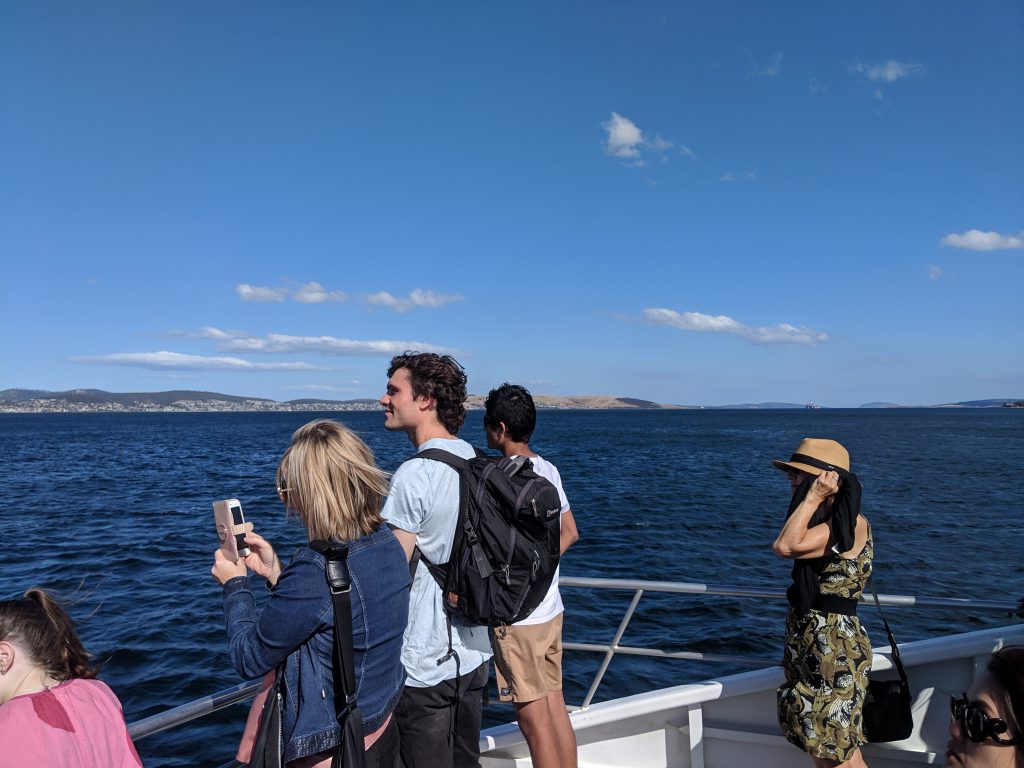 Look at how happy these people are!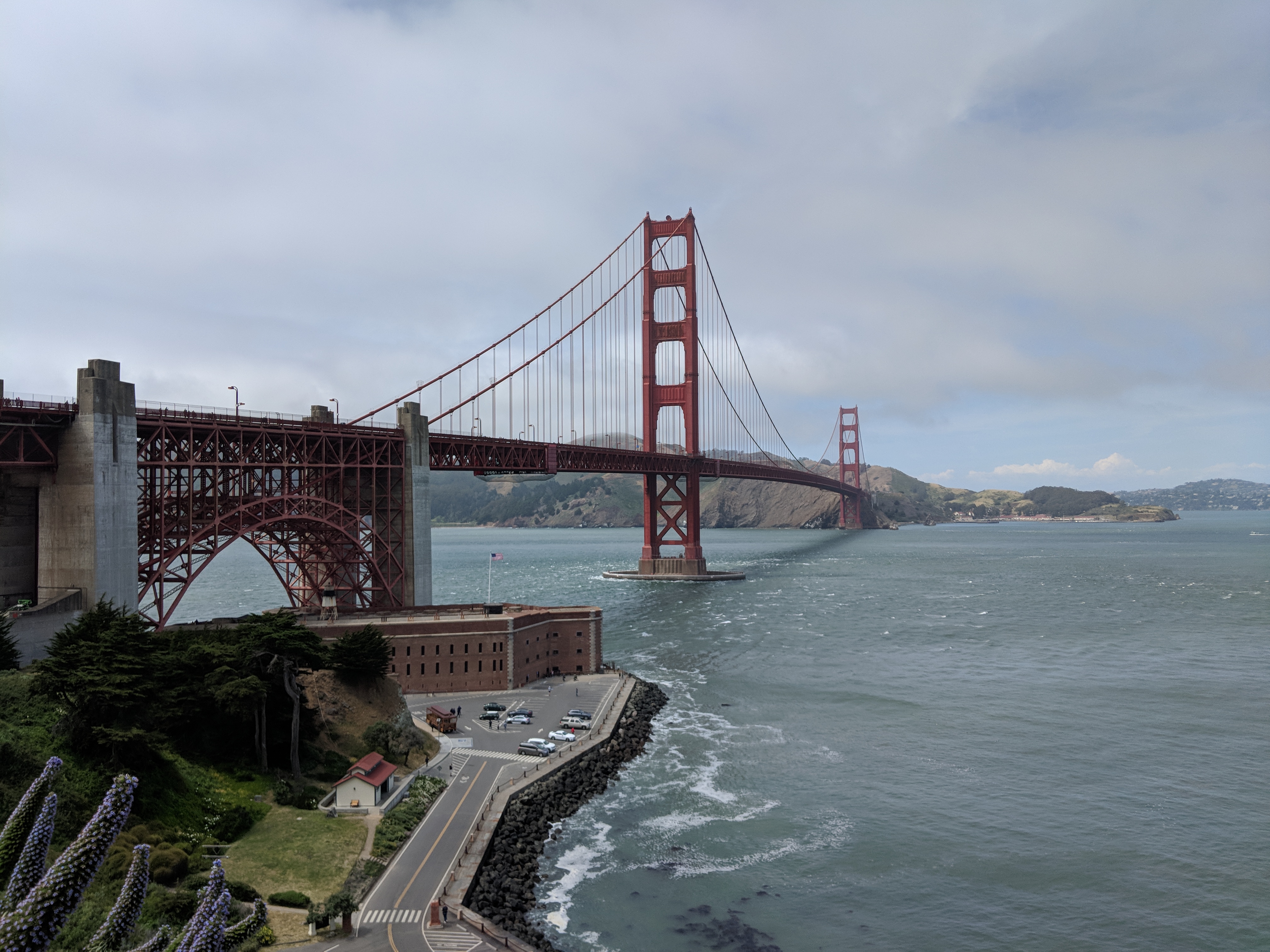

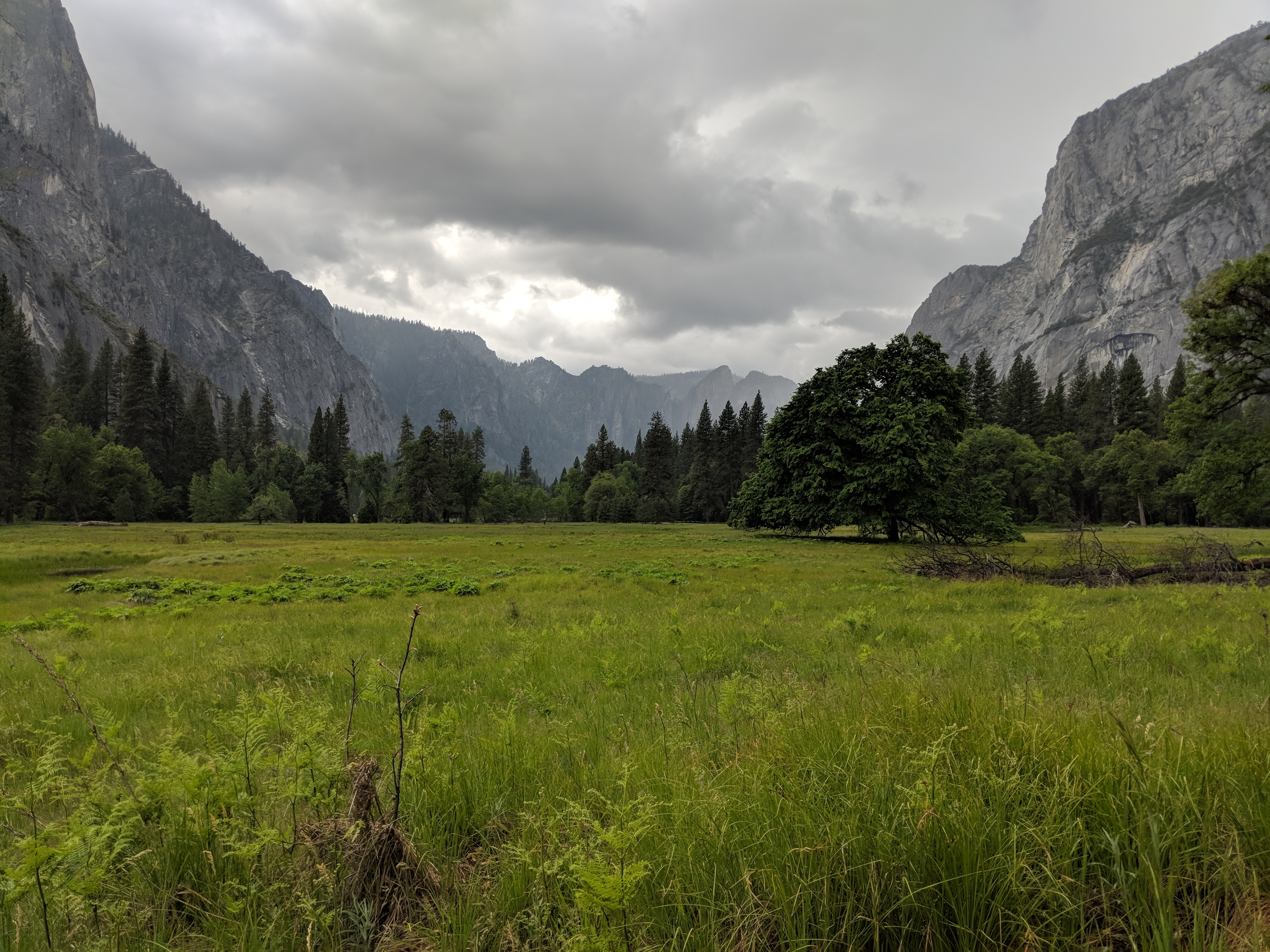

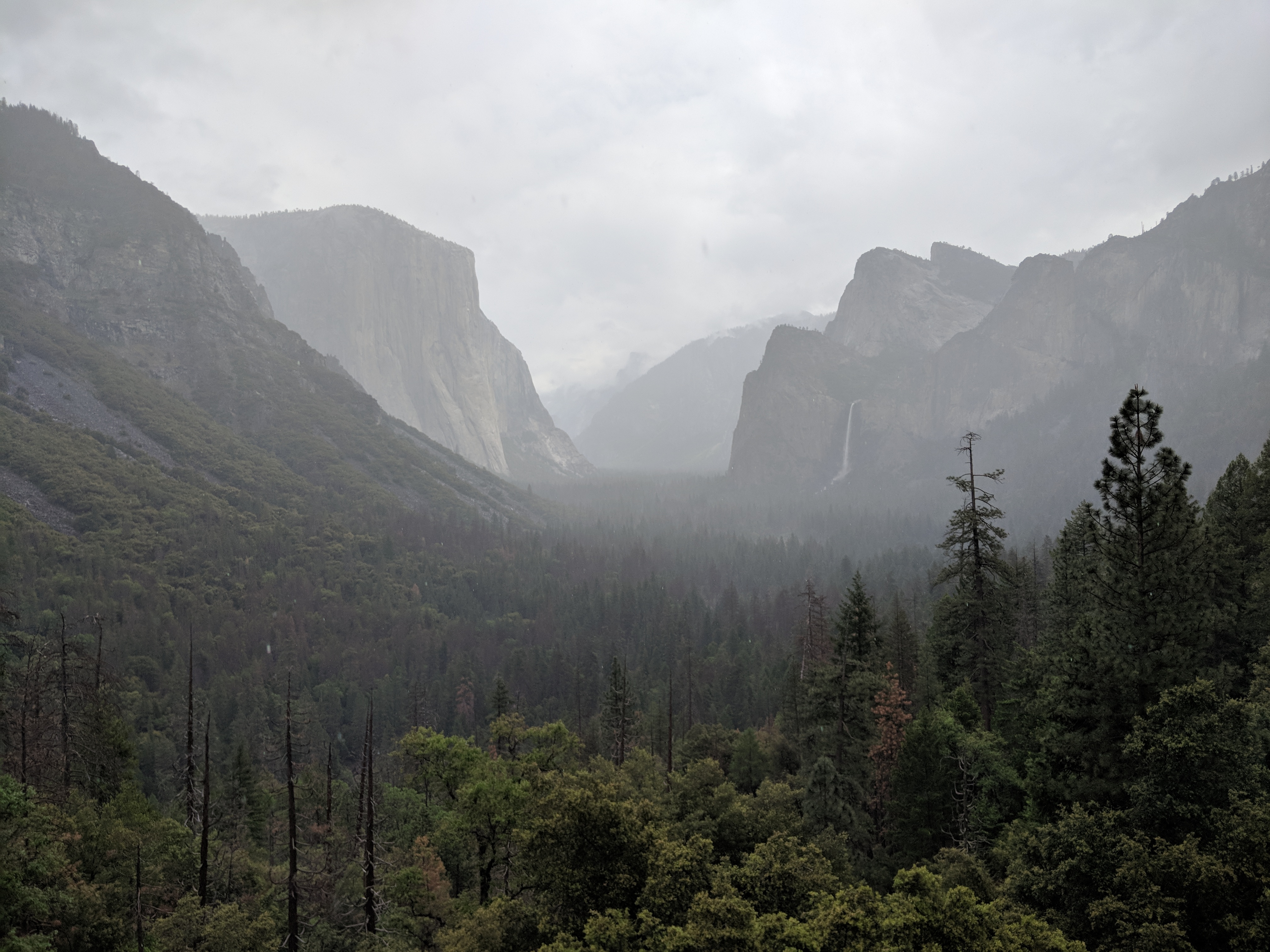

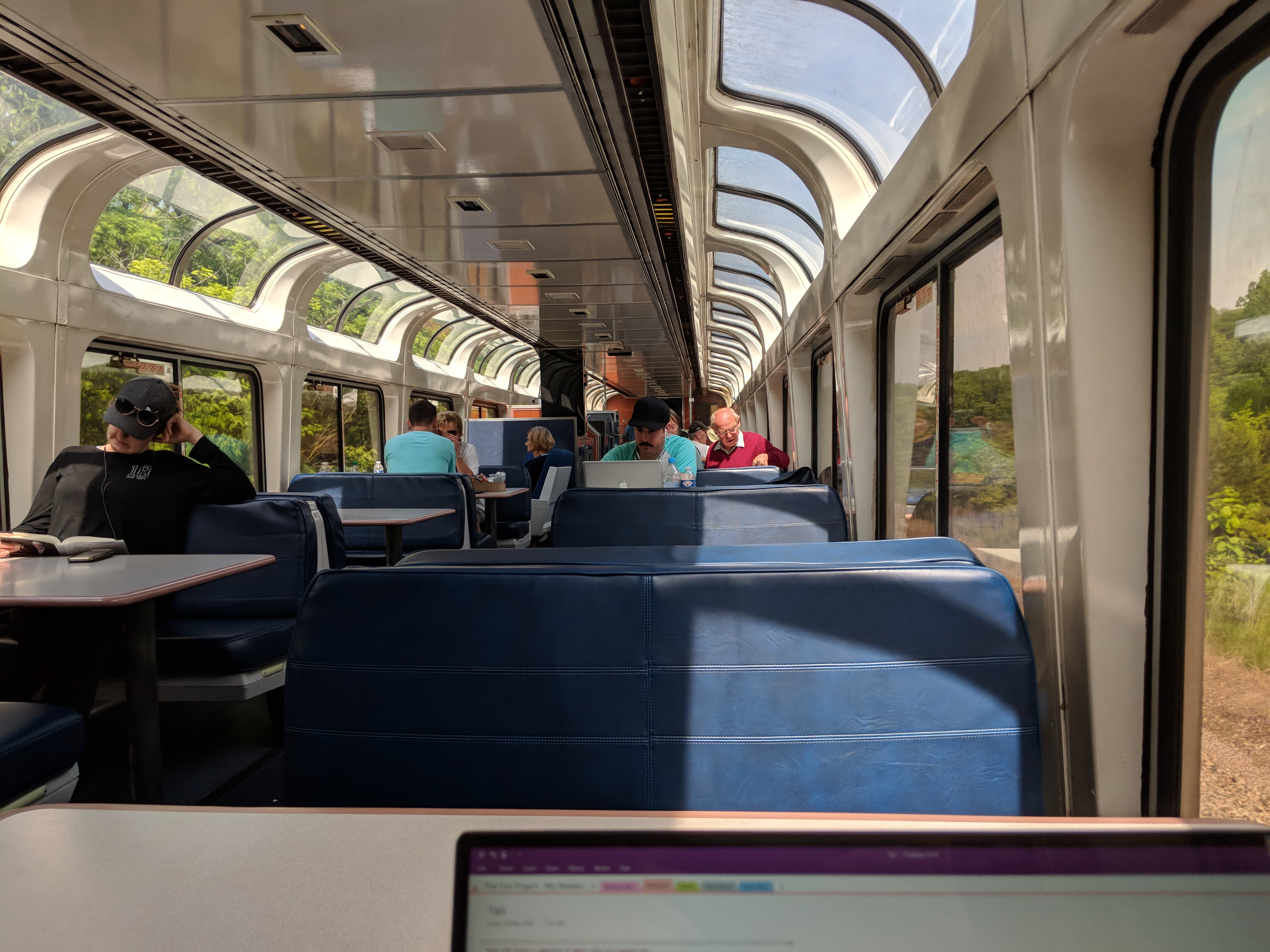
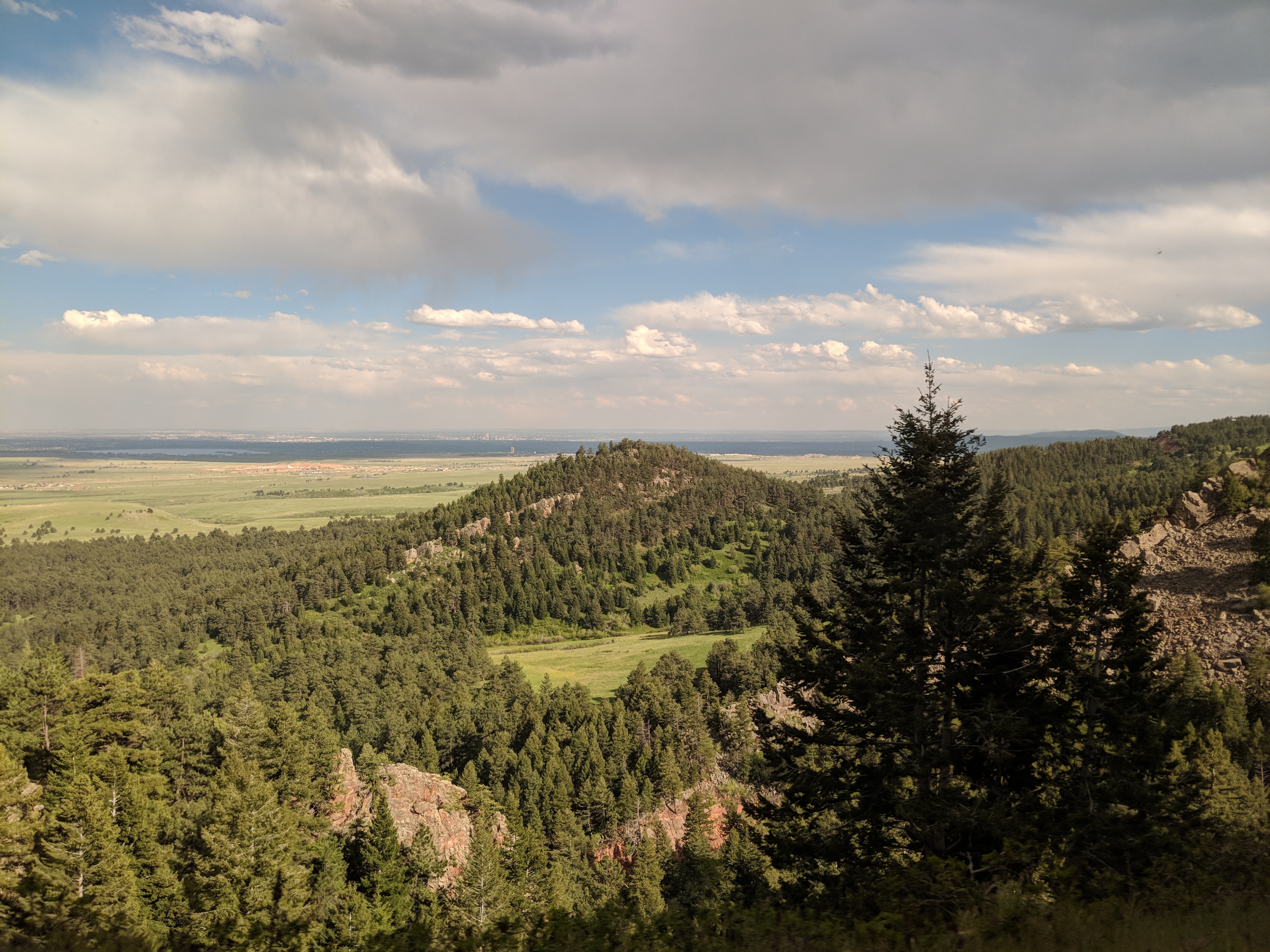

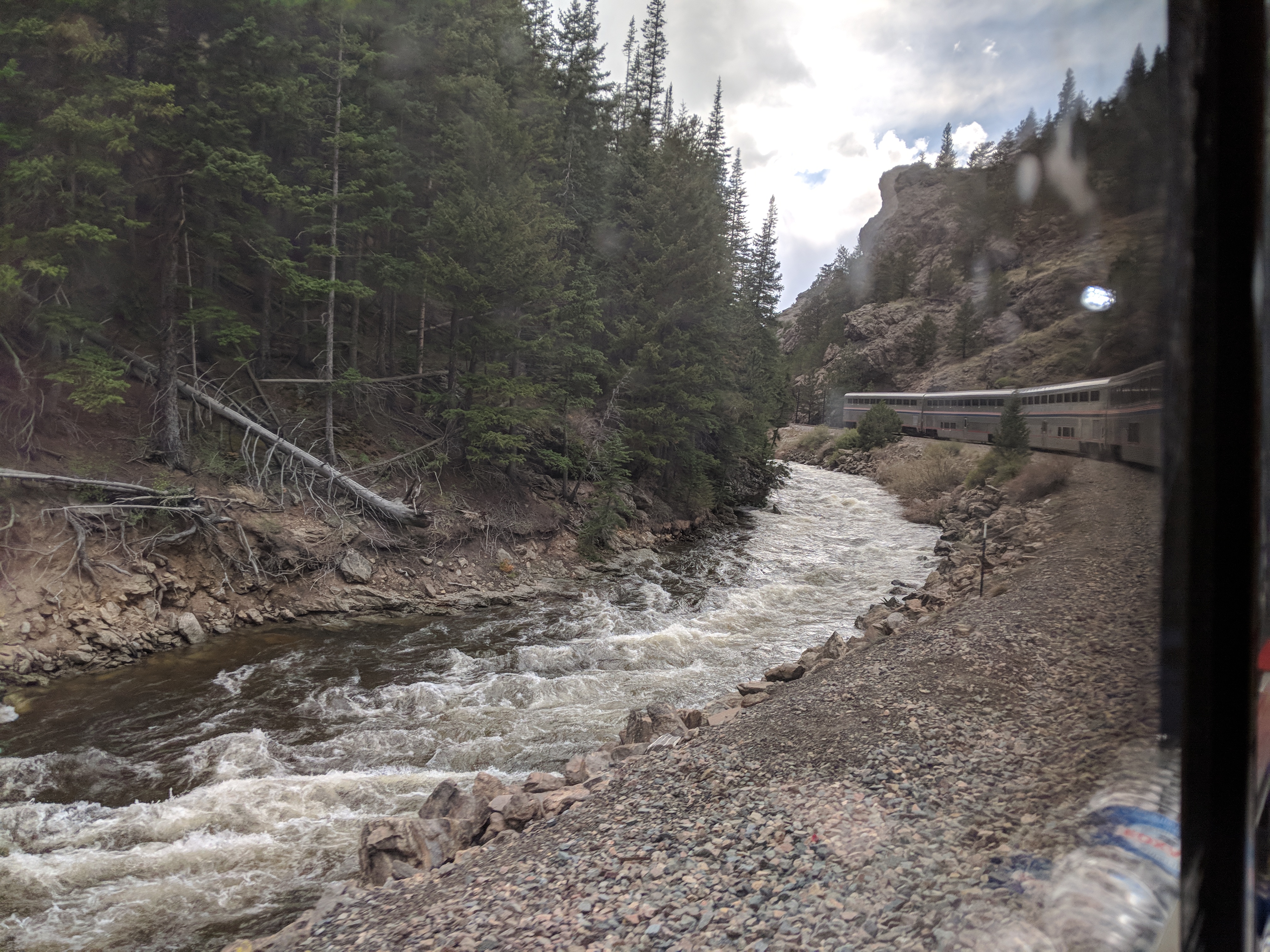
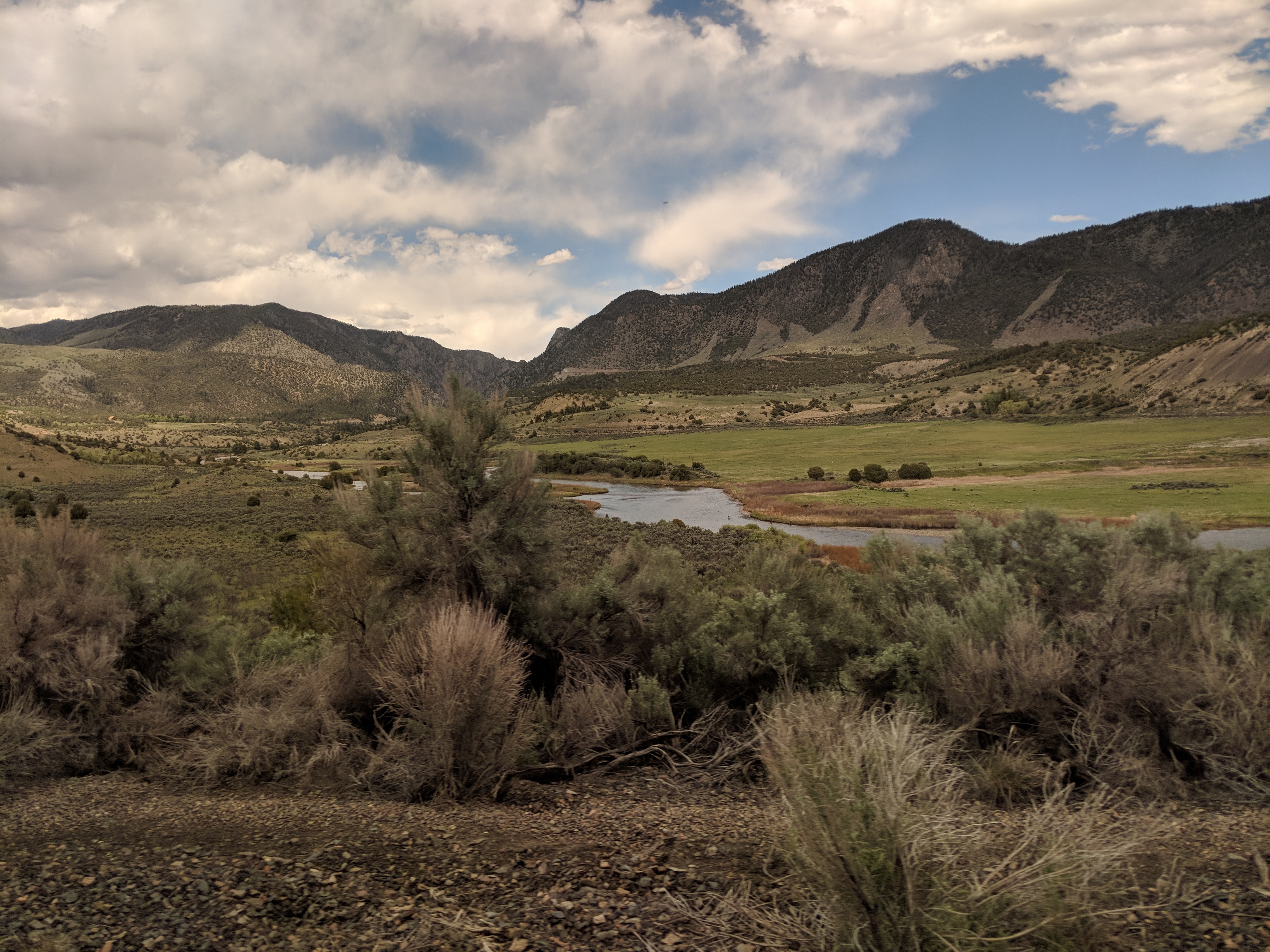


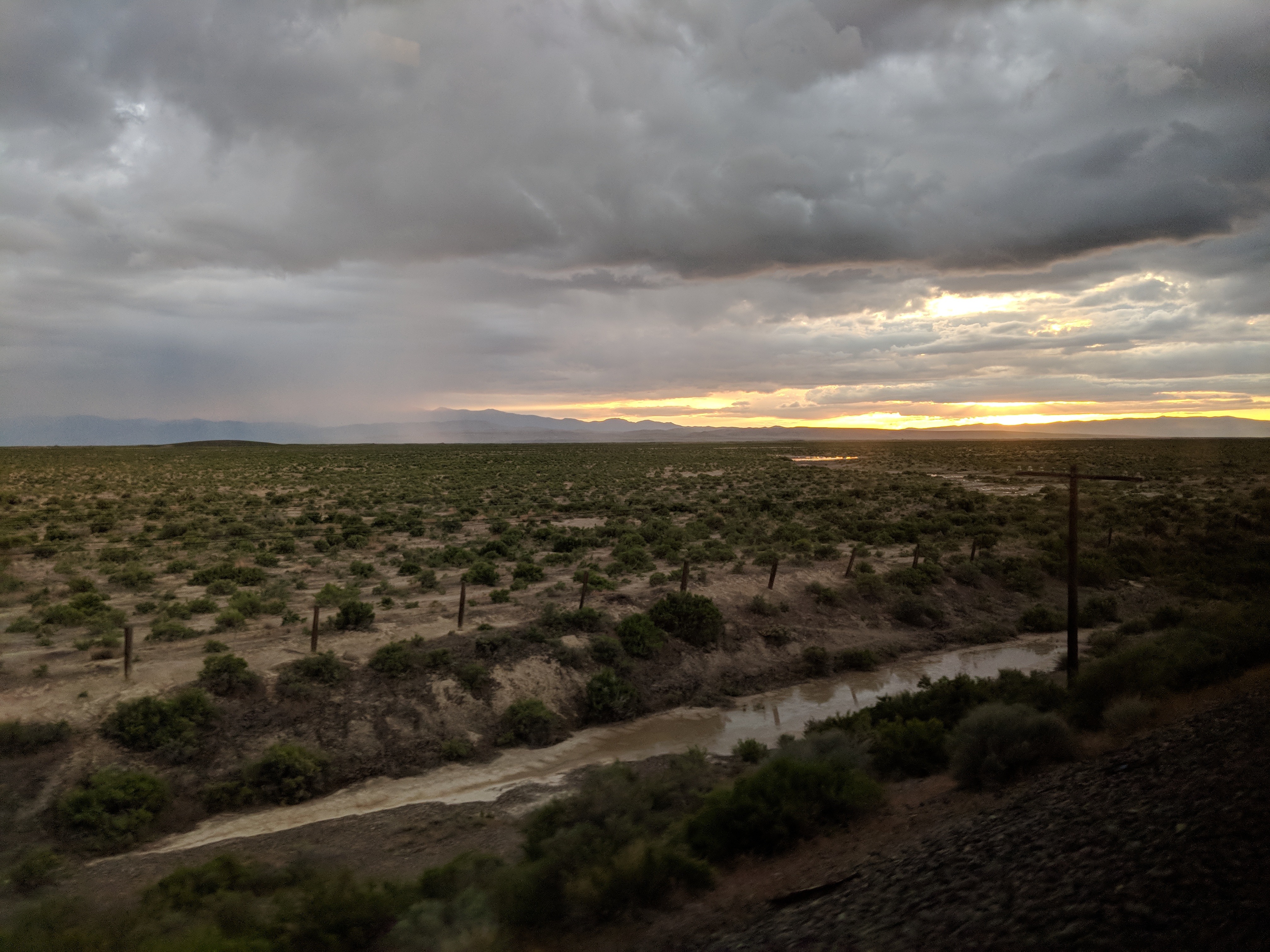
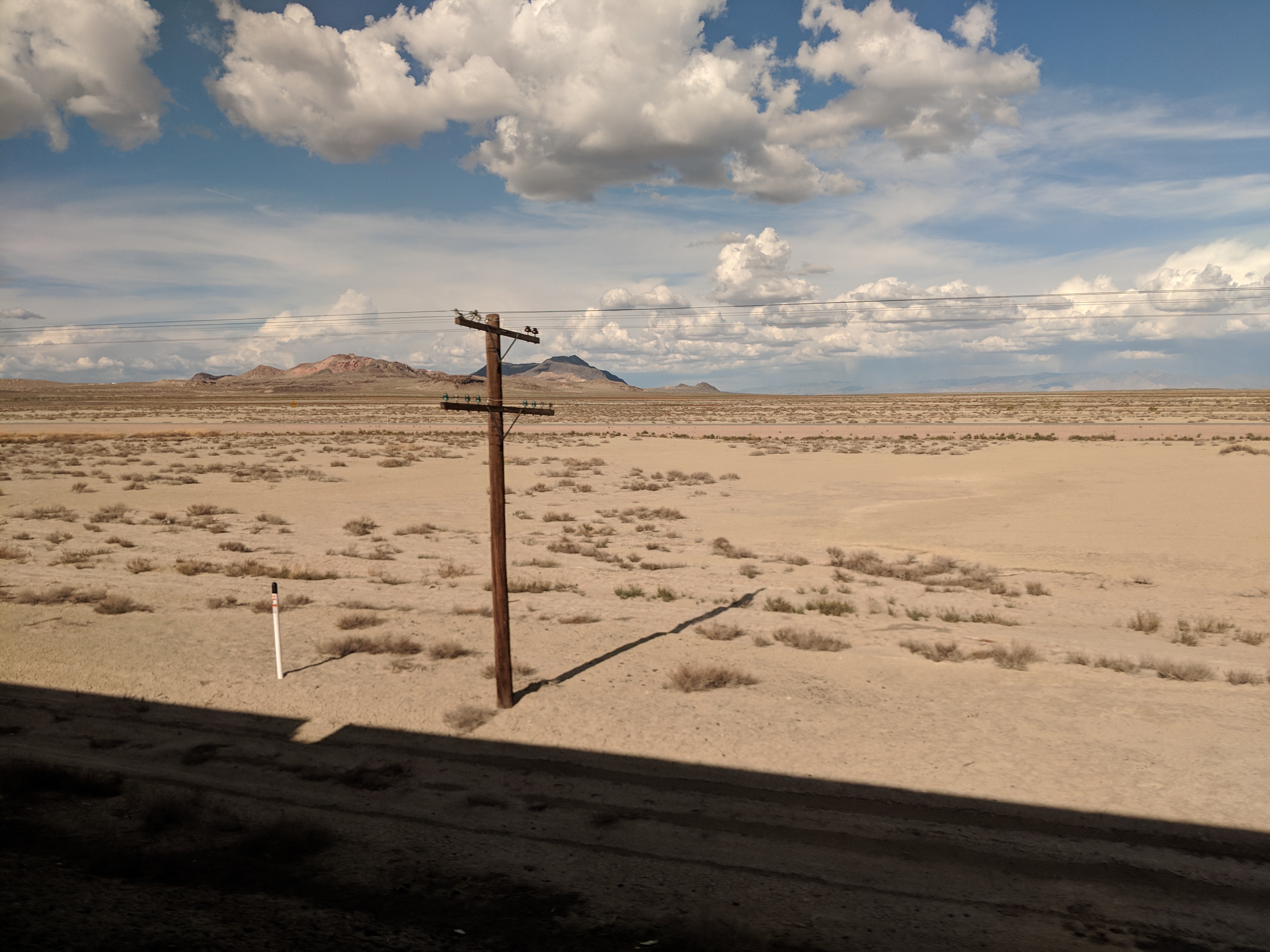

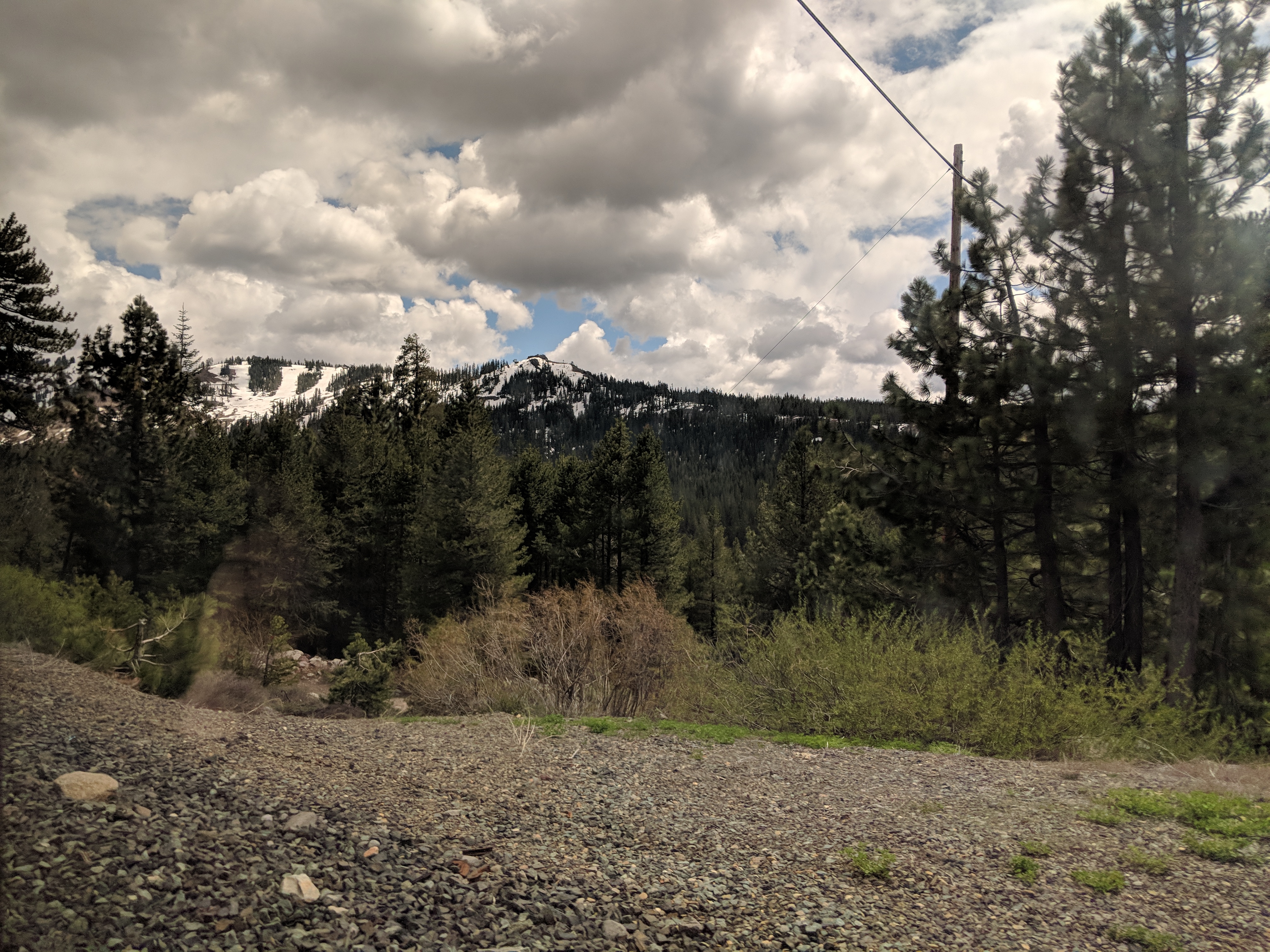






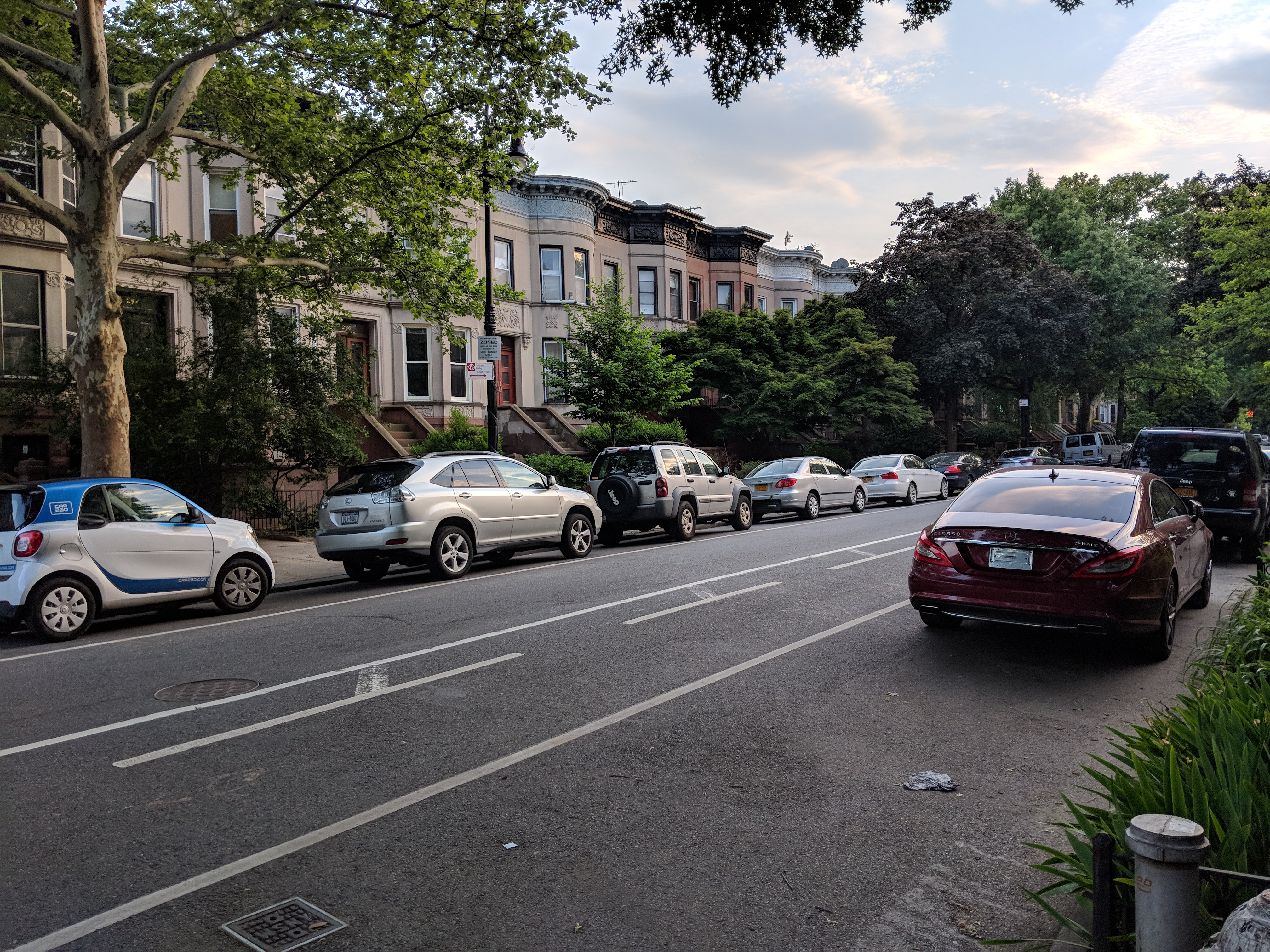



 A sample day in my calendar.
 Apple and Rhubarb Crumble
 Chocolate Fudge
 Pumpkin Pie
 The UnPDNS in progress…


